Measuring landscaper campaigns without confusing clicks with results
Compare maintenance leads with new-project requests. A practical measurement plan using separate destinations and clearly named placements.
By ShortFreeURL Team · 11 September 2026
Define the outcome before the link
Compare maintenance leads with new-project requests. Start the report with this decision instead of a large total-click number. For a landscaper, the action “Request a visit” and the information request “Maintenance plans” serve different purposes. Combining them conceals what visitors were actually trying to do.
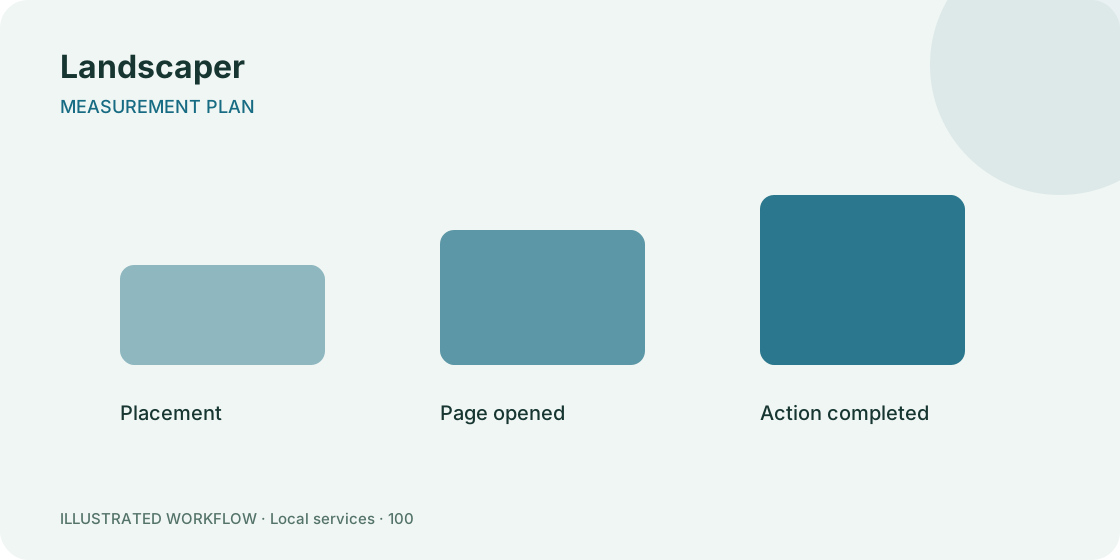
Write a one-line definition for each result. A view means the page was requested; a button click means a destination was selected. A completed action must come from the receiving system. Reloads, repeated taps and automated requests can increase the first two counts.
Keep placement and destination separate
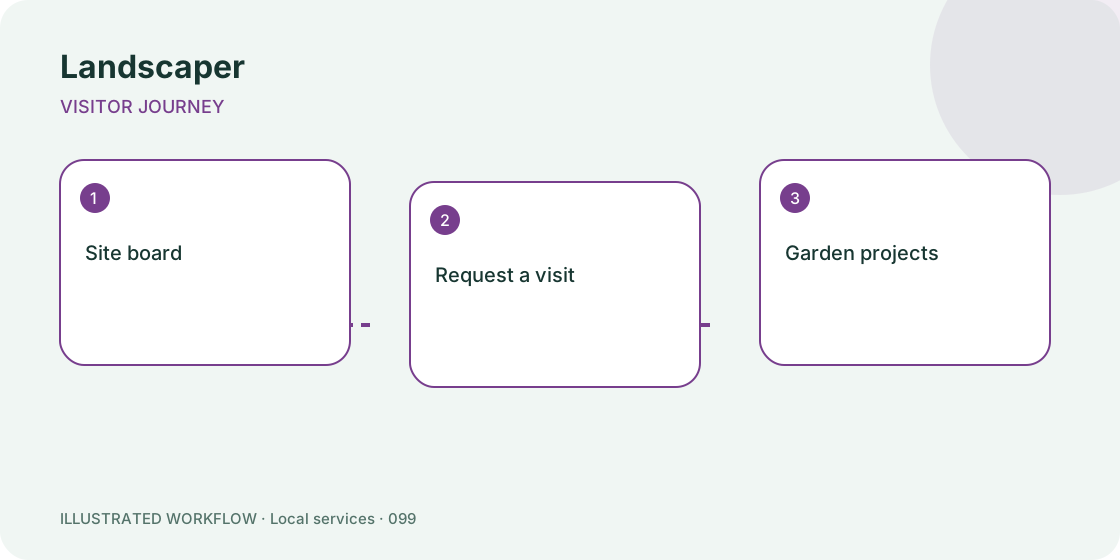
Use site board as one identifiable placement. Choose a stable, readable campaign name such as landscaper-autumn and a placement label that a colleague will understand later. Do not include email addresses, personal identifiers or private enquiry details in URL parameters.
If you compare another placement, give it a different short link or campaign value while keeping the destination consistent. This makes the comparison about the placement rather than a mixture of different offers. Confirm that parameters survive the complete redirect path before distributing the link.
Use a small measurement worksheet
Create columns for date range, placement, page views, “Request a visit” clicks and confirmed outcomes. Leave an unavailable value blank rather than estimating it from another metric. A blank is more honest and more useful than a misleading conversion percentage.
For example, 80 page requests and 12 button clicks describe a 15% request-to-click ratio only when the counts cover the same period and population. They do not establish 12 new customers. This is a fictional arithmetic example, not a forecast for your campaign.
Investigate before changing the offer
Seasonal images should not imply year-round availability. When a count falls, first open the destination and check service availability, mobile layout and any sign-in requirement. A broken or outdated route is a different problem from weak demand.
Review whether the audience saw the same offer on the same dates. A change to opening hours, availability or distribution can affect traffic without any change in the page design. Put those events in the report notes instead of attributing every movement to the latest button colour.
Turn findings into one next action
Choose an action that matches the evidence: repair an incorrect destination, clarify “Garden projects”, or make “Service area” easier to find. Write down the change and the next review window. Small campaigns may need more time before their results are stable enough to compare.
Keep the original worksheet so later reports use the same definitions. See the campaign review guide and create a page to put the workflow into practice.