

Test a business-card QR code before printing
Keep a clear border around the QR code and use strong contrast.
By ShortFreeURL Team · 11 September 2026
Plan the visitor journey
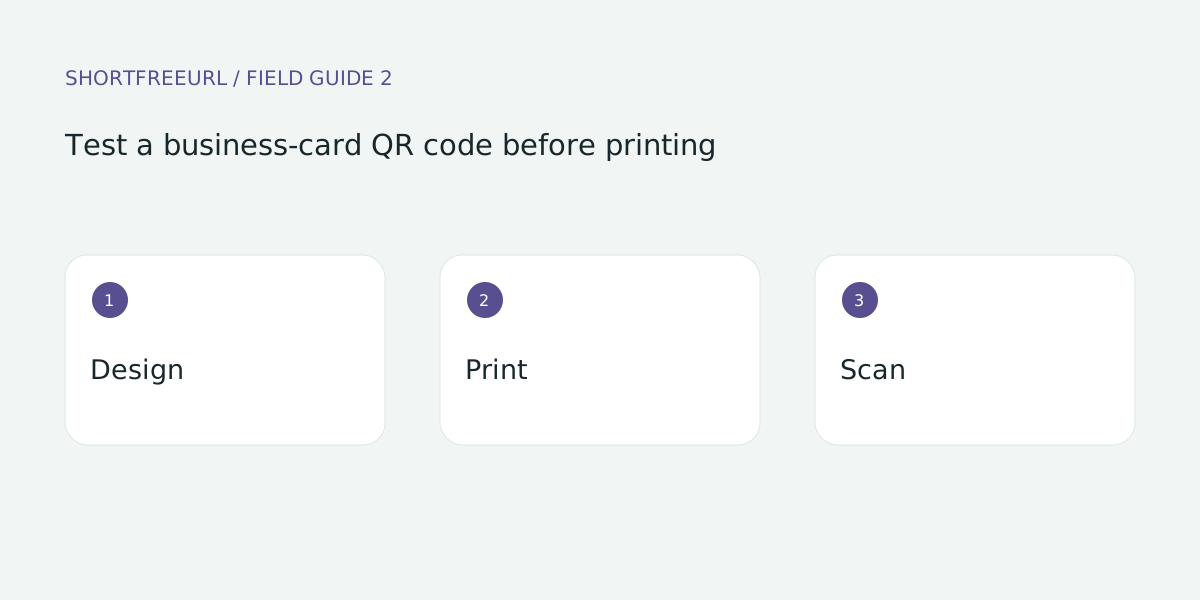
Keep a clear border around the QR code and use strong contrast. A tiny code that works on a monitor can fail after printing or trimming. Order a proof on the intended material before committing to the full print run.
Build and test the details
Scan the proof in ordinary indoor light with more than one phone. Follow the entire journey to the published page and open its main action. Test on a mobile connection as well as office Wi-Fi.
Review after publishing
Print a readable address beside the code as a fallback. Store the original artwork and the printed destination. After updating the page, scan an old printed card to confirm that it still reaches useful content.
Try this workflow
Open Pages, preview a template and choose Use template to edit a copy. Replace sample destinations before publishing. Templates, contact details and page analytics are free; custom-domain hosting starts with Starter or the one-time 7-day domain trial.
Save a draft during review, then publish and test each action on a phone. Keep the owner and next review date with your working notes. See current plans for package details.