

A contact card for property enquiries
Show the agent’s name, agency and service area.
By ShortFreeURL Team · 11 September 2026
Plan the visitor journey
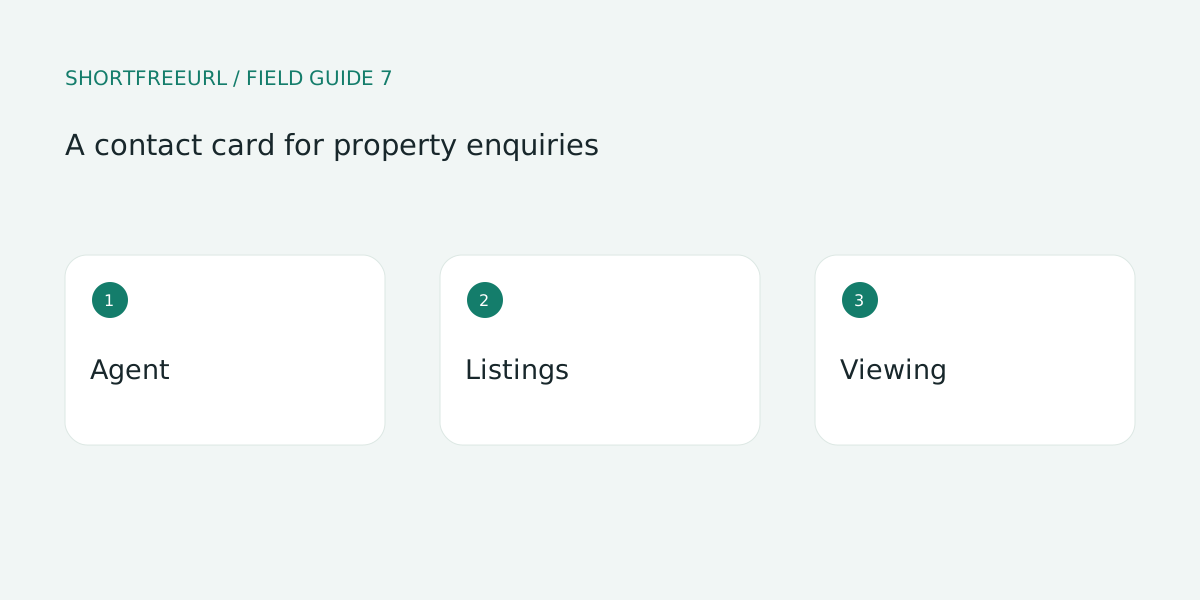
Show the agent’s name, agency and service area. Keep the relevant listing or enquiry action near the top. Separate buyer questions from owner enquiries when they lead to different teams.
Build and test the details
Link to maintained listing pages rather than copying a complete inventory into the card. A sold property should not remain the main action indefinitely. Assign someone to review links whenever listing status changes.
Review after publishing
Publish appropriate office contact and viewing information. Avoid collecting financial documents through a general contact form. For printed boards, scan the QR code after important updates and check that the enquiry reaches the correct agent.
Try this workflow
Open Pages, preview a template and choose Use template to edit a copy. Replace sample destinations before publishing. Templates, contact details and page analytics are free; custom-domain hosting starts with Starter or the one-time 7-day domain trial.
Save a draft during review, then publish and test each action on a phone. Keep the owner and next review date with your working notes. See current plans for package details.