

Free domain SSL, direct imports and clearer integration controls
Connect a branded domain, check its certificate separately from DNS, and import source links through nine direct API connectors.
By ShortFreeURL Team · 12 September 2026
One integration directory in both places
The public Integrations page and Dashboard → Integrations & API → All integrations now use the same catalogue. Search by name or category, then open the provider connection or its setup guide. Direct connections, workflows, downloadable packages and planned entries retain their own labels.
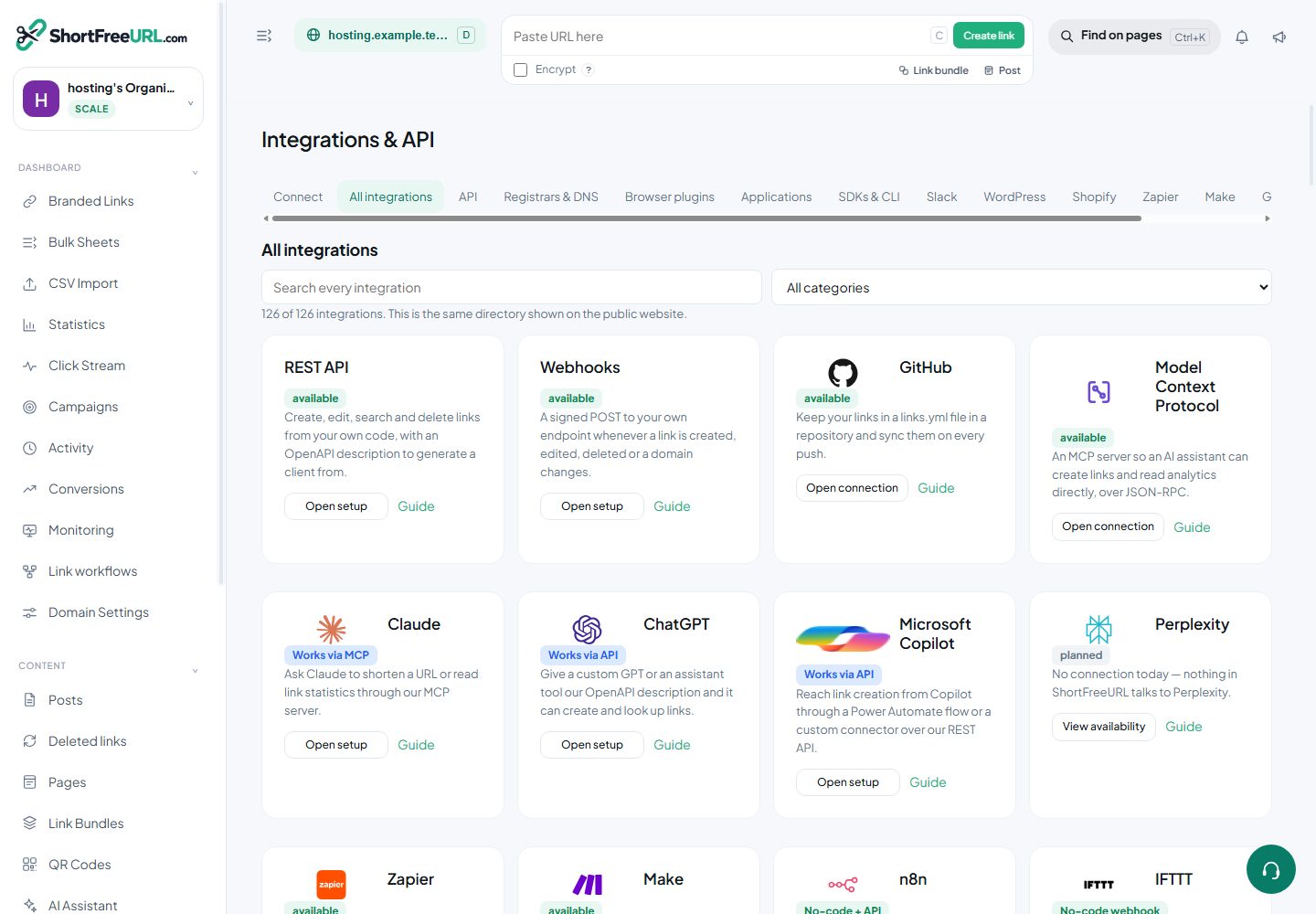
Nine direct import connectors can read source URLs: Coda, Smartsheet, Wrike, Jotform, Calendly, Trello, ClickUp, Todoist and Typeform. Enter the provider credentials, verify access, preview available items and select the links to create. The source item’s permissions do not change. Repeating an import reuses an existing mapping instead of creating another copy.
Other supported integrations use provider login, event delivery or a workflow. Direct imports cover the actions described in their guides; they do not expose every feature of the provider’s API. Browse integrations or read the connection guide.
DNS ready and SSL ready are separate results
A domain can point at the correct server while HTTPS is still waiting for a certificate. Domain settings now shows these results separately. The operator configures their own public IPv4, optional IPv6 and CNAME target. Background checks reject conflicting addresses and only mark SSL verified after observing a trusted certificate for the exact hostname.
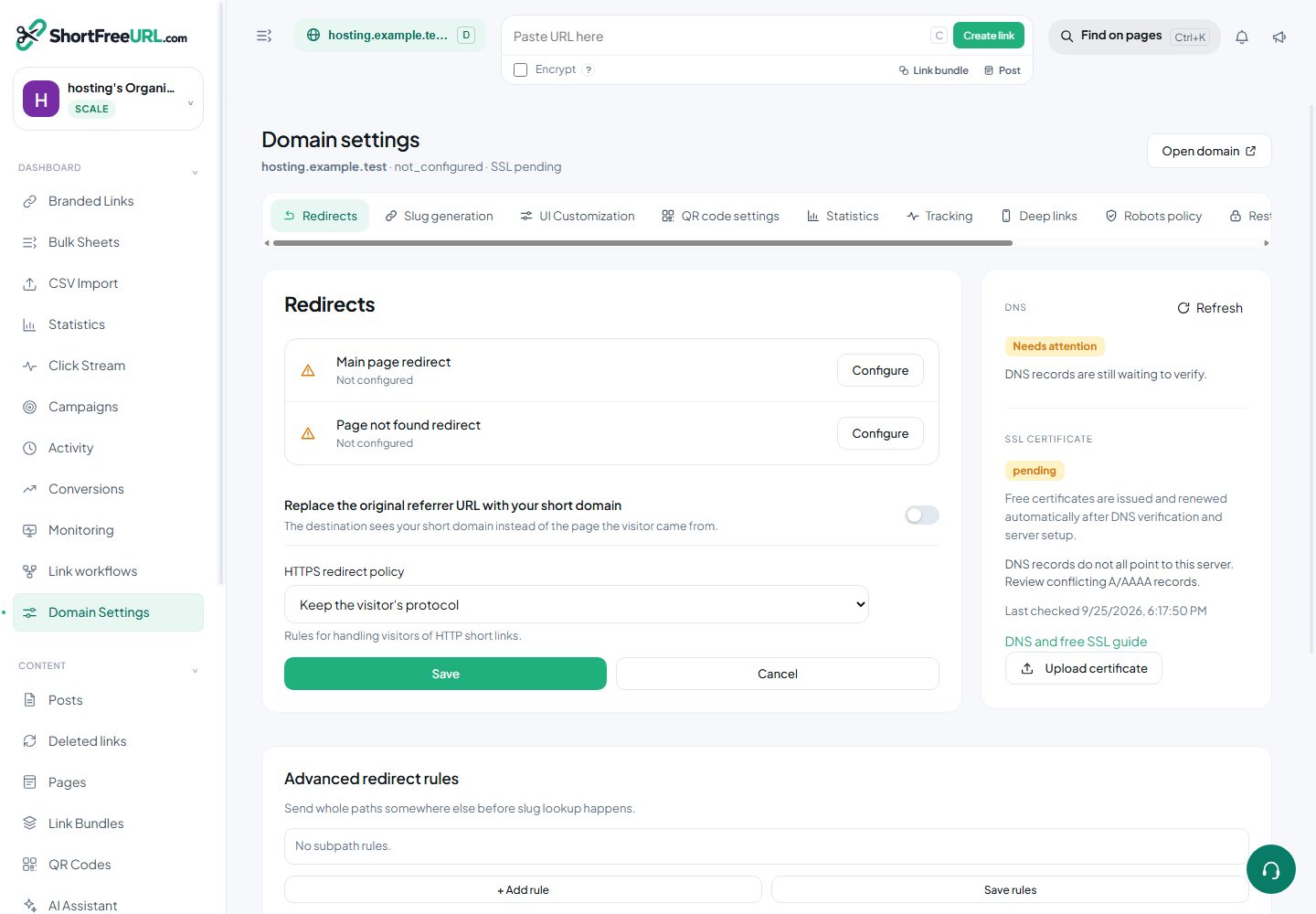
The generated Caddy configuration provides certificate issuance and renewal after it is deployed on the public redirect server. Free automatic SSL is included in every plan. Server hosting and domain registration remain separate costs. An application running only on localhost cannot serve public customer domains.
For an existing website, choose a short-link subdomain and keep unrelated website and email records. Copy the records from your own dashboard. Follow the illustrated DNS and SSL guide.
Admin controls for customer assistance
Admin → Domain hosting & SSL brings configuration, readiness checks and recent customer domain results into one screen. Inspect the latest failure, correct the deployment or DNS issue, and check again. The background job retries failed checks with a bounded delay.
Admin → Integrations shows customer account labels and delivery diagnostics without exposing stored credentials. Pause a provider when it needs attention, or revoke a particular account while retaining another account connected to the same provider.
Direct API imports have their own plan feature. Public pricing and Dashboard → Subscription read the same feature matrix; server checks enforce current membership, plan limits and provider availability when customers use the integration. See admin setup and support steps.