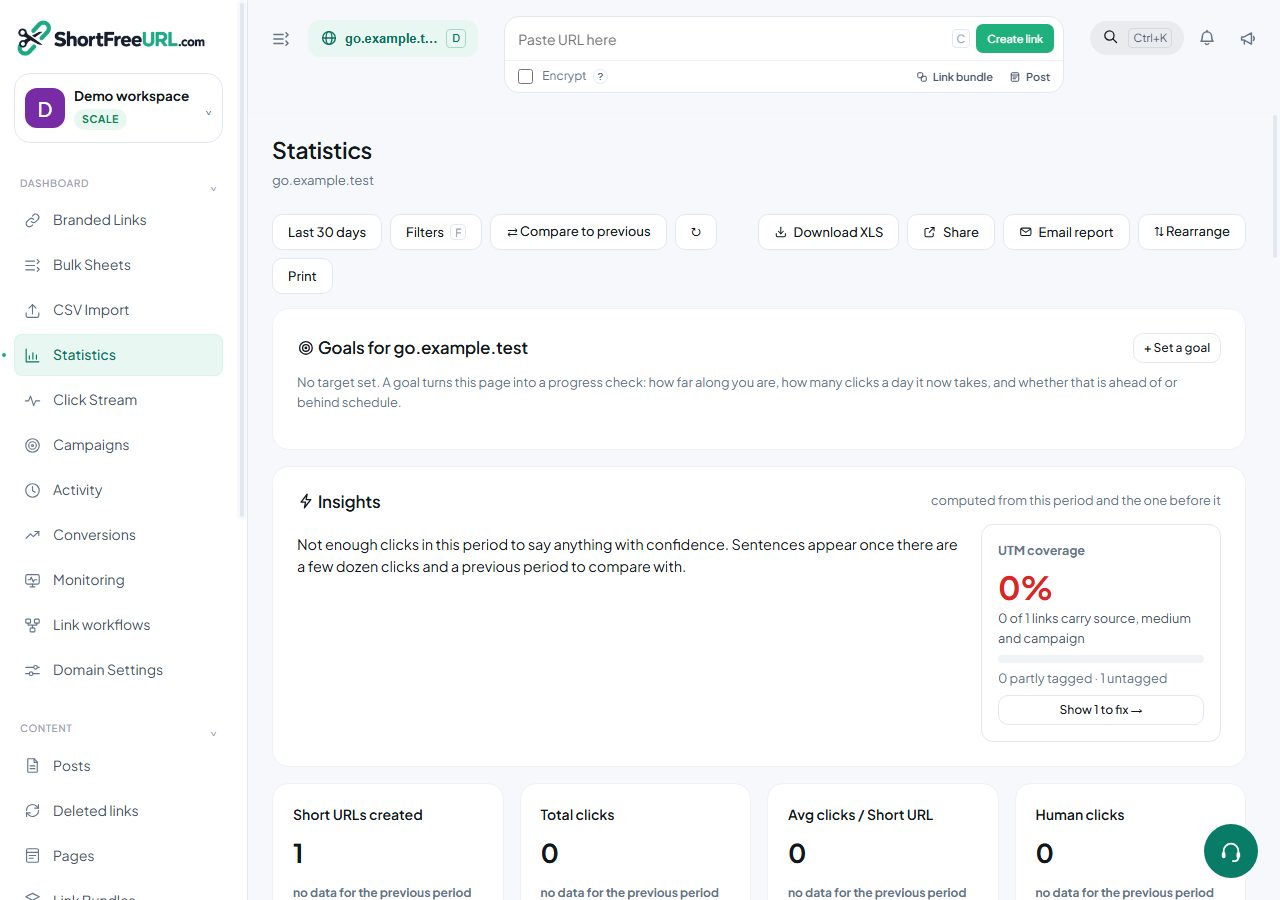
Every number in the dashboard is available as JSON, with the same date range and filter parameters the UI uses.
Summaries
GET /statistics/domain/:id— the full summary for a domain: KPI cards, the time series, every breakdown, the heatmap, conversions and QR scans.GET /statistics/link/:id— the same shape for one link, plus the link itself and its A/B variations.GET /api/statistics/overview— organisation-wide totals across all domains.
The KPI block returns four entries — short URLs created, total clicks, average clicks per link, and human clicks — each with the current value and a comparison against the immediately preceding window. When the previous window is empty, the change is null rather than a fabricated percentage.
Breakdowns
GET /statistics/domain/:id/top returns the top rows for every dimension at once. GET /statistics/domain/:id/details/:dimension returns the full list for one. The dimensions are country, region, city, path, browser, os, device, social, refhost, utm_source, utm_medium, utm_campaign, language and ab_path.
GET /statistics/domain/:id/filter-values returns the values actually present in your data for each filterable dimension — the right way to build a filter UI without offering countries that have never clicked.
Parameters
A period or an explicit start and end, an interval of hour, day, week or month, a click mode of all, humans or robots, and any of the dimension filters. Multiple values in one dimension are OR; different dimensions are AND. Dimension filters require the Growth plan or above; when the plan does not allow them the response says so rather than silently ignoring them.
Raw clicks
GET /statistics/clickstream returns individual clicks, newest first, with limit and offset, honouring the same filters. Add format=csv to download instead. GET /statistics/click/:clid returns everything recorded about one click.
Exports and shares
GET /statistics/domain/:id/export produces the spreadsheet export of the current view. POST /api/statistics/share publishes a read-only statistics page and returns its URL; GET lists shares and DELETE revokes one.
Conversions
POST /api/conversions records a conversion against a click ID; GET /api/conversions returns the summary and recent rows.
Find this in your dashboard
- Sign in and select the workspace and domain you want to manage.
- Open Statistics. Review the article’s steps and your plan’s available controls.
- Save your changes, reopen the record and verify the saved result. For routing changes, check the short link with a test visit.