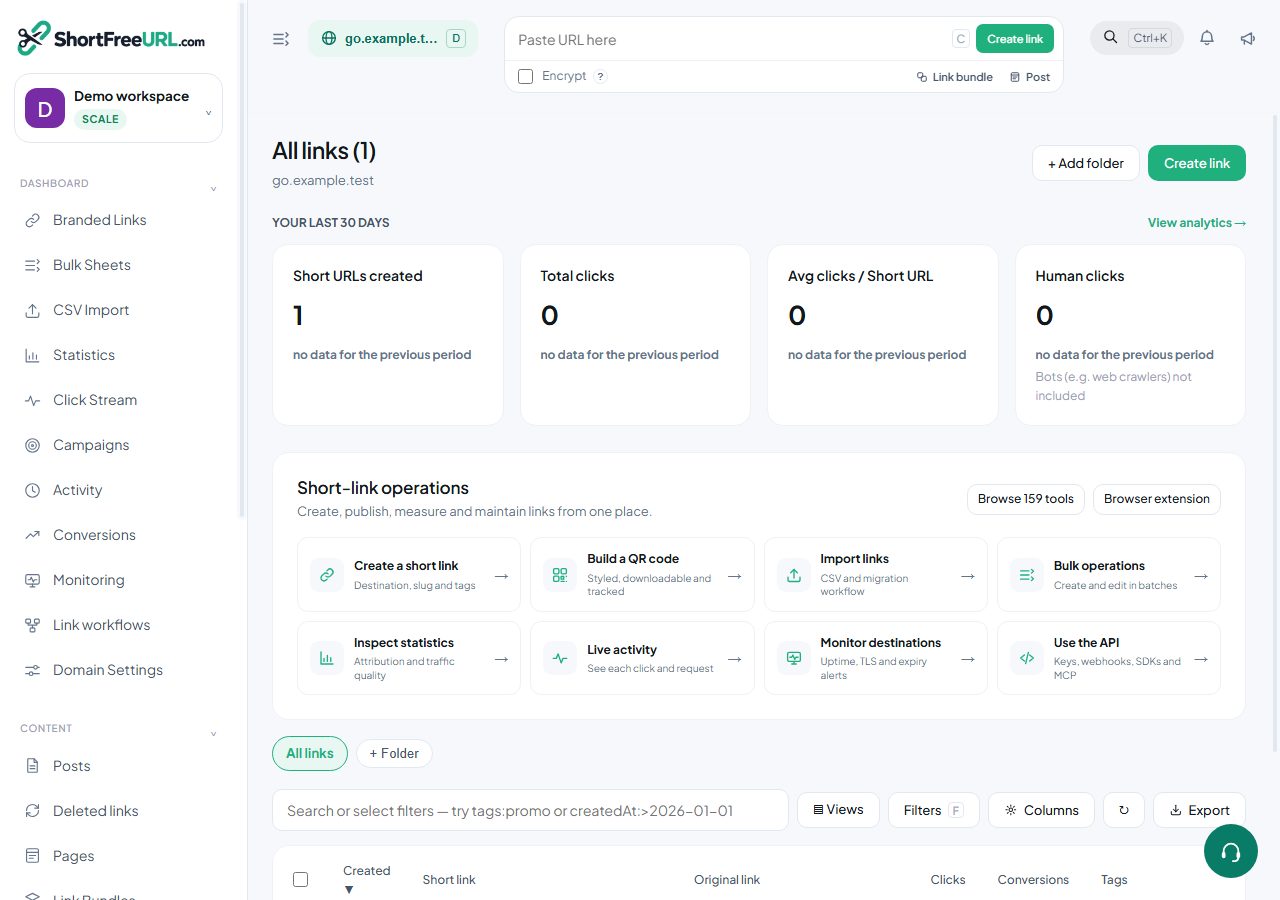
Nothing is sampled and nothing is dropped, so a number that looks wrong usually has a specific and findable cause. Start in the click stream, not in the charts.
Too high
- Preview bots. Every messaging app and social network fetches a link to build a card. A link posted to a large group can collect dozens of fetches before a person clicks. Switch the click mode to Humans; the gap is the answer.
- Security scanners. Mail gateways follow links in email to check them, sometimes several times per recipient.
- Your own team. Everyone testing the campaign link before launch. Add your office and VPN addresses to the IP exclusion list under Domain settings, Statistics.
- Monitoring. An uptime check pointed at a short link clicks it on a schedule forever.
Too low, or missing entirely
- The wrong domain is selected. Statistics are per domain. The switcher at the top decides what you are looking at.
- A filter is still applied. Filters persist between pages. Check the date range and the filter dialog.
- You are looking at a geo preview. Requests with
?ms_geo=are previews and are deliberately excluded from statistics, webhooks and pixels. - The IP exclusion list. Clicks from excluded addresses are never recorded. If you added a range that covers real visitors, they are invisible.
- Retention. On a bounded retention window, clicks older than the window have aged out.
- A different link. Duplicating a link produces a new link with its own counter. Two links to the same destination split the count.
Verifying end to end
Open the click stream, turn on live tail, and click the link yourself from a device that is not on an excluded network. The row should appear within seconds, showing the destination actually served, the status, and the human flag. If it appears, logging works and the problem is in how you were reading the numbers. If it does not, check the domain, the excluded IPs and whether you used a geo preview parameter.
Two numbers that are supposed to differ
Total clicks and human clicks are always different. Clicks and conversions are counted by different mechanisms and are never expected to match.
Find this in your dashboard
- Sign in and select the workspace and domain you want to manage.
- Open Branded Links. Review the article’s steps and your plan’s available controls.
- Save your changes, reopen the record and verify the saved result. For routing changes, check the short link with a test visit.