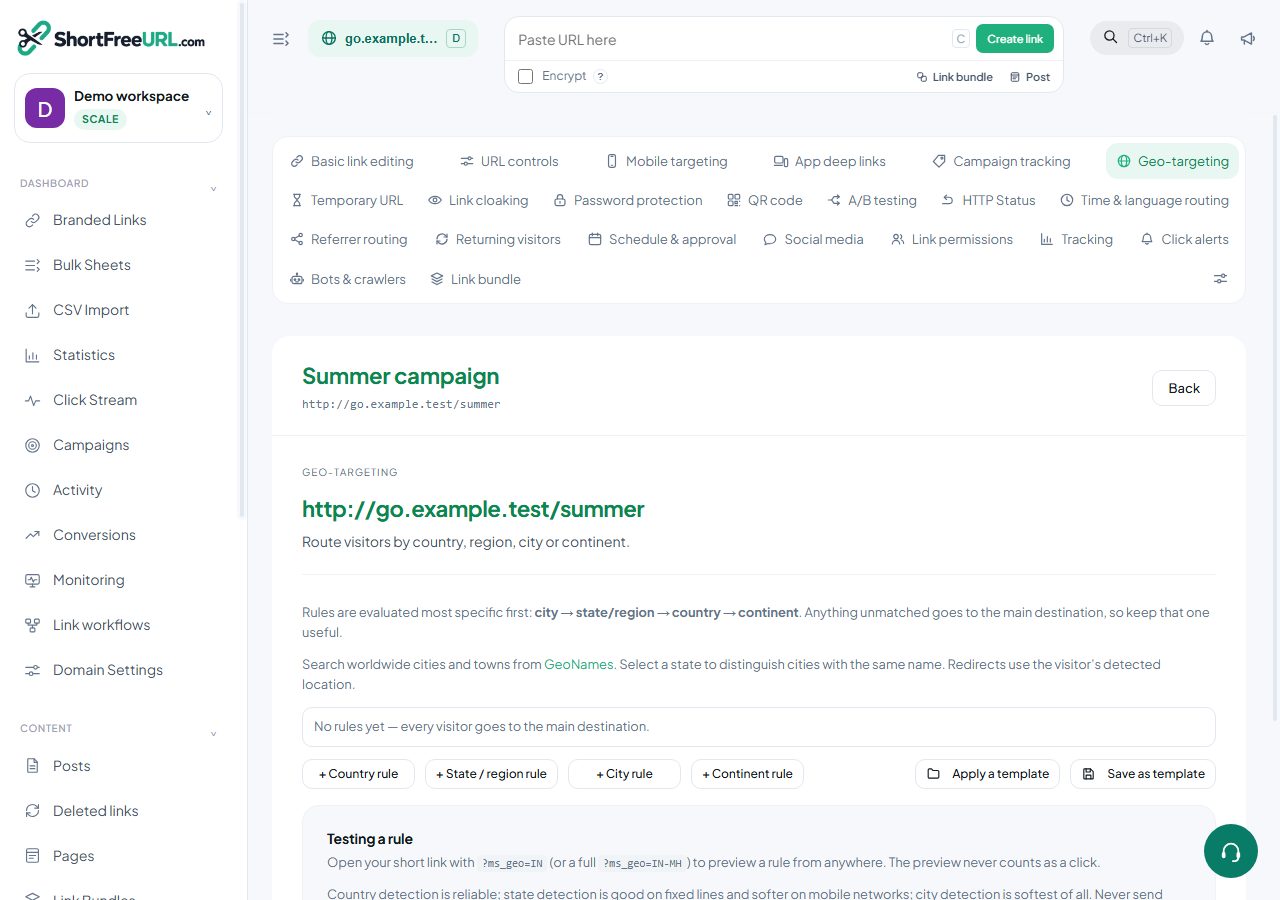
Geo rules are evaluated most specific first — city, then region, then country, then continent — and anything unmatched falls through to the main destination. Most reported failures are one of the following.
Test the rule properly
Open the short link with ?ms_geo=IN, ?ms_geo=IN-MH, or ?ms_geo=IN-MH/Pune. The rule is evaluated as if you were there. The preview does not count as a click and does not fire webhooks or pixels, so test freely.
If the preview sends you to the right place but real visitors do not arrive there, the rule is correct and the problem is detection.
A more specific rule is winning
A city rule that matches is used even if you expected the country rule to apply. Review all the rules on the link, not just the one you last edited. Precedence is by type, not by the order in the list.
The value does not match what is detected
City and region names come from the geo database and may not match how you typed them. City and region fields accept free text precisely so you can enter the spelling your data actually uses — check the click stream for how the location is recorded for real traffic to that link and use that spelling.
Country rules use two-letter codes and are the most reliable of the four.
Detection is genuinely wrong
Country detection is reliable. Region detection is good on fixed lines and much softer on mobile networks, where the address may belong to a gateway in another state. City detection is softest of all. VPNs, corporate proxies and satellite connections place people anywhere.
This is not a defect you can configure away. Design for it: never send someone somewhere they cannot leave, and put a visible region switcher on the destination page.
Another feature is taking precedence
A matched geo rule overrides the iOS and Android destinations and disables A/B assignment for that visitor. Conversely, if a geo rule does not match, mobile targeting and A/B testing apply as normal. If you expected a variation and got the geo destination, the rule matched.
The plan
Country geo-targeting starts on Starter, and region and city rules on Business. On plans without them geo rules sent to the API are stripped on save, and the response names the dropped feature. A rule you believe you saved may never have been stored.
Find this in your dashboard
- Sign in and select the workspace and domain you want to manage.
- Open Geo-targeting. Review the article’s steps and your plan’s available controls.
- Save your changes, reopen the record and verify the saved result. For routing changes, check the short link with a test visit.