A guest needs different information before booking and after arrival. This guide creates a page that makes the next action clear.
Before you start
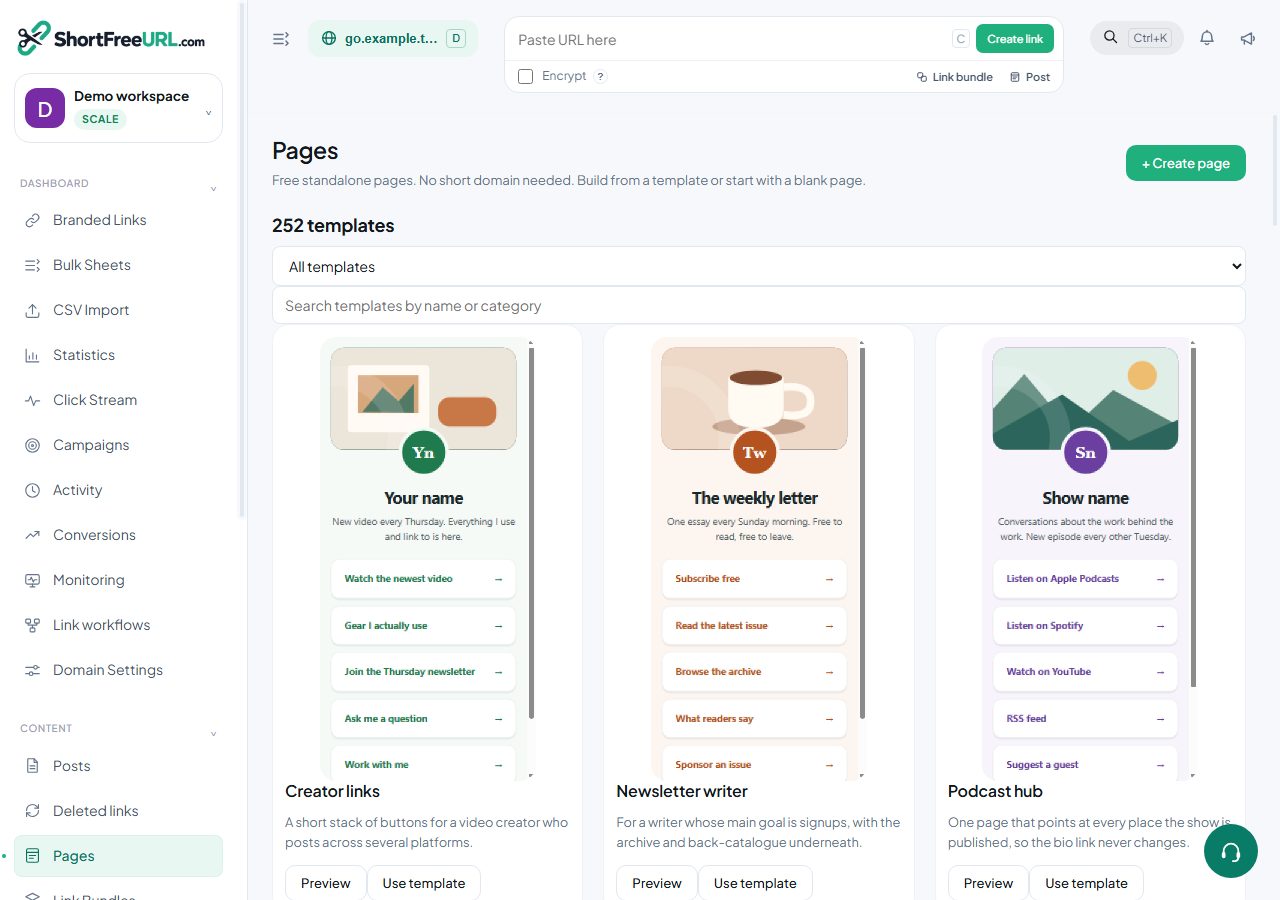
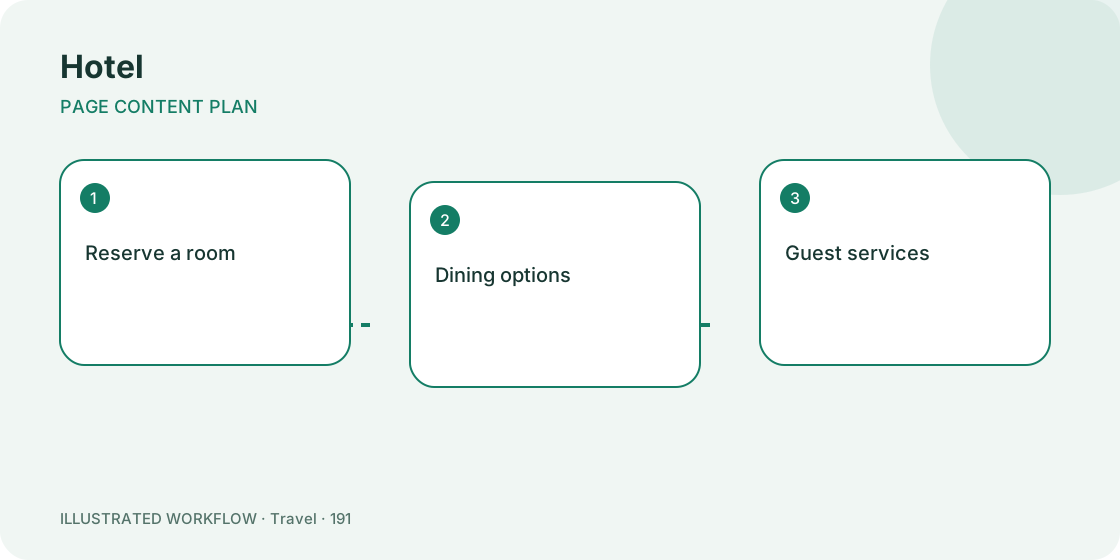
Sign in to ShortFreeURL and open Pages in the dashboard. A standalone page does not require a short domain or a paid link-shortening plan. Prepare the real destinations for Reserve a room, Dining options, Guest services, Find the hotel. Example template links are placeholders and must be replaced.
Set up the content
- Choose the hotel template or Create page. Enter a title visitors will recognise.
- Put “Reserve a room” first. Give the destination a label that describes the action rather than “Click here”.
- Add “Dining options”, “Guest services” and “Find the hotel”. Use the up/down controls to change their order.
- Use a text block for essential context, a heading to separate topics, and a contact block for a valid email or telephone link.
- Choose a layout and colours with readable contrast. Save draft, check the preview, and publish when the real destinations are ready.
Expected result
The published page has a stable /p/ address and clearly named actions. Open page takes you to the visitor-facing version. Share this address through room information card; customers do not need a ShortFreeURL account to view a published page.
If something is wrong
A draft is intentionally unavailable to the public. Publish the page to make it accessible. Invalid destination schemes are rejected; use a complete http/https address, mailto email link or tel telephone link. Save errors should be resolved before closing the editor.
Public pages must not expose guest-specific booking references. If you want to try another layout, duplicate the page and keep the copy as a draft until it is ready.
Related steps
Review this page · Browse free templates · Open Pages
Find this in your dashboard
- Sign in and select the workspace and domain you want to manage.
- Open Pages. Review the article’s steps and your plan’s available controls.
- Save your changes, reopen the record and verify the saved result. For routing changes, check the short link with a test visit.