A couple comparing photographers needs a relevant portfolio first. This guide creates a page that makes the next action clear.
Before you start
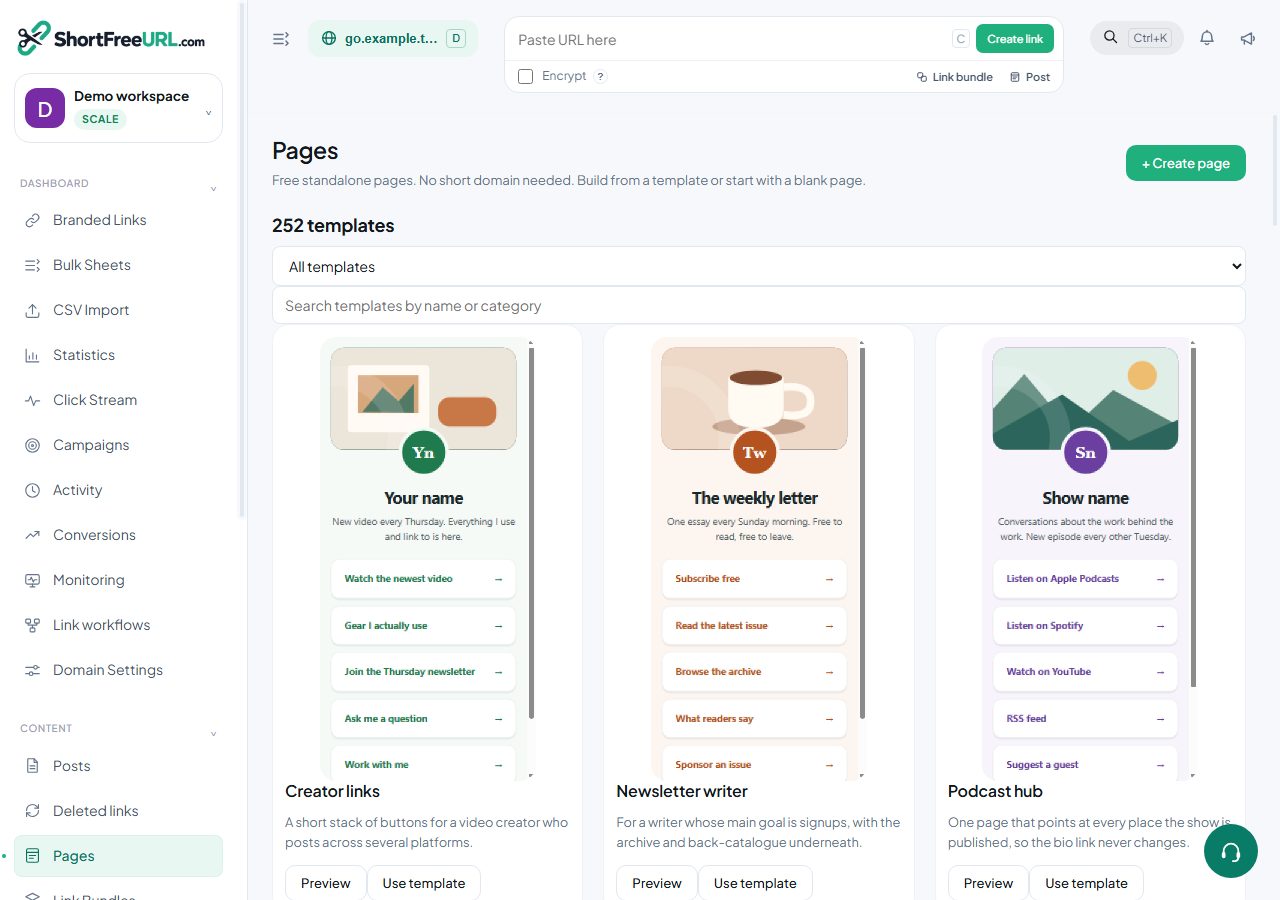
Sign in to ShortFreeURL and open Pages in the dashboard. A standalone page does not require a short domain or a paid link-shortening plan. Prepare the real destinations for View portfolio, Check availability, Packages, Client delivery portal. Example template links are placeholders and must be replaced.
Set up the content
- Choose the photographer template or Create page. Enter a title visitors will recognise.
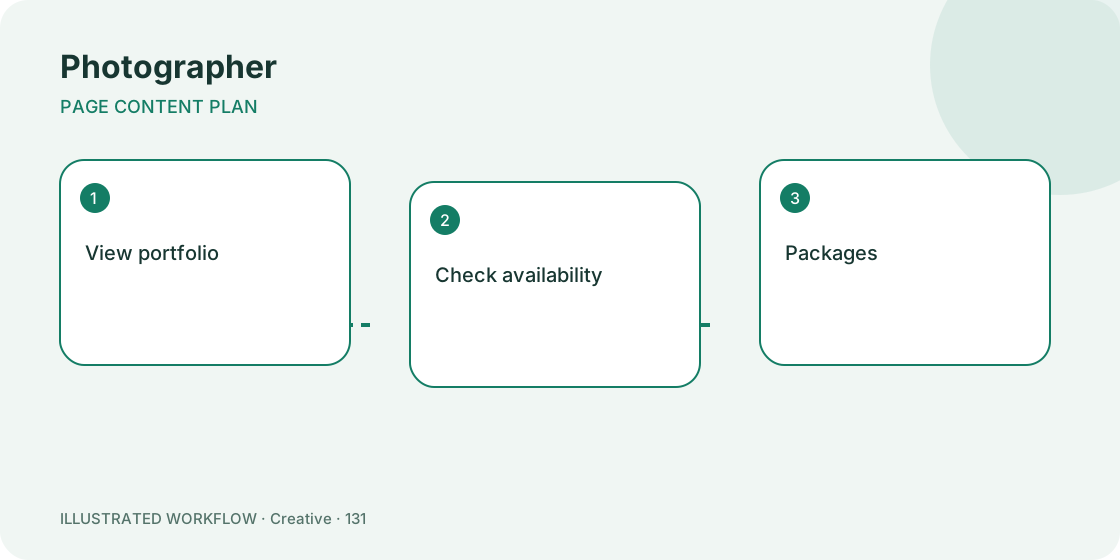
- Put “View portfolio” first. Give the destination a label that describes the action rather than “Click here”.
- Add “Check availability”, “Packages” and “Client delivery portal”. Use the up/down controls to change their order.
- Use a text block for essential context, a heading to separate topics, and a contact block for a valid email or telephone link.
- Choose a layout and colours with readable contrast. Save draft, check the preview, and publish when the real destinations are ready.
Expected result
The published page has a stable /p/ address and clearly named actions. Open page takes you to the visitor-facing version. Share this address through business cards; customers do not need a ShortFreeURL account to view a published page.
If something is wrong
A draft is intentionally unavailable to the public. Publish the page to make it accessible. Invalid destination schemes are rejected; use a complete http/https address, mailto email link or tel telephone link. Save errors should be resolved before closing the editor.
Client galleries should not be accidentally exposed as public samples. If you want to try another layout, duplicate the page and keep the copy as a draft until it is ready.
Related steps
Review this page · Browse free templates · Open Pages
Find this in your dashboard
- Sign in and select the workspace and domain you want to manage.
- Open Pages. Review the article’s steps and your plan’s available controls.
- Save your changes, reopen the record and verify the saved result. For routing changes, check the short link with a test visit.