- Basic: slug, title, destination, tags and folder. AI suggests slugs and tags from the destination.
- Mobile targeting: separate iOS and Android destinations, plus Android package/action/component for intent links.
- Campaign tracking: the five UTM fields with saved templates and a live preview of the final URL.
- Geo-targeting: country, region and city rules. City beats region beats country; unmatched traffic goes to the default.
- Temporary URL: expiry date, click limit and TTL, with a fallback destination.
- Cloaking, Password, QR, A/B testing, HTTP status, Social media, Permissions, Tracking and Bundle round out the set.
- Use "Customize tabs" to hide the tabs you never open and reorder the rest.
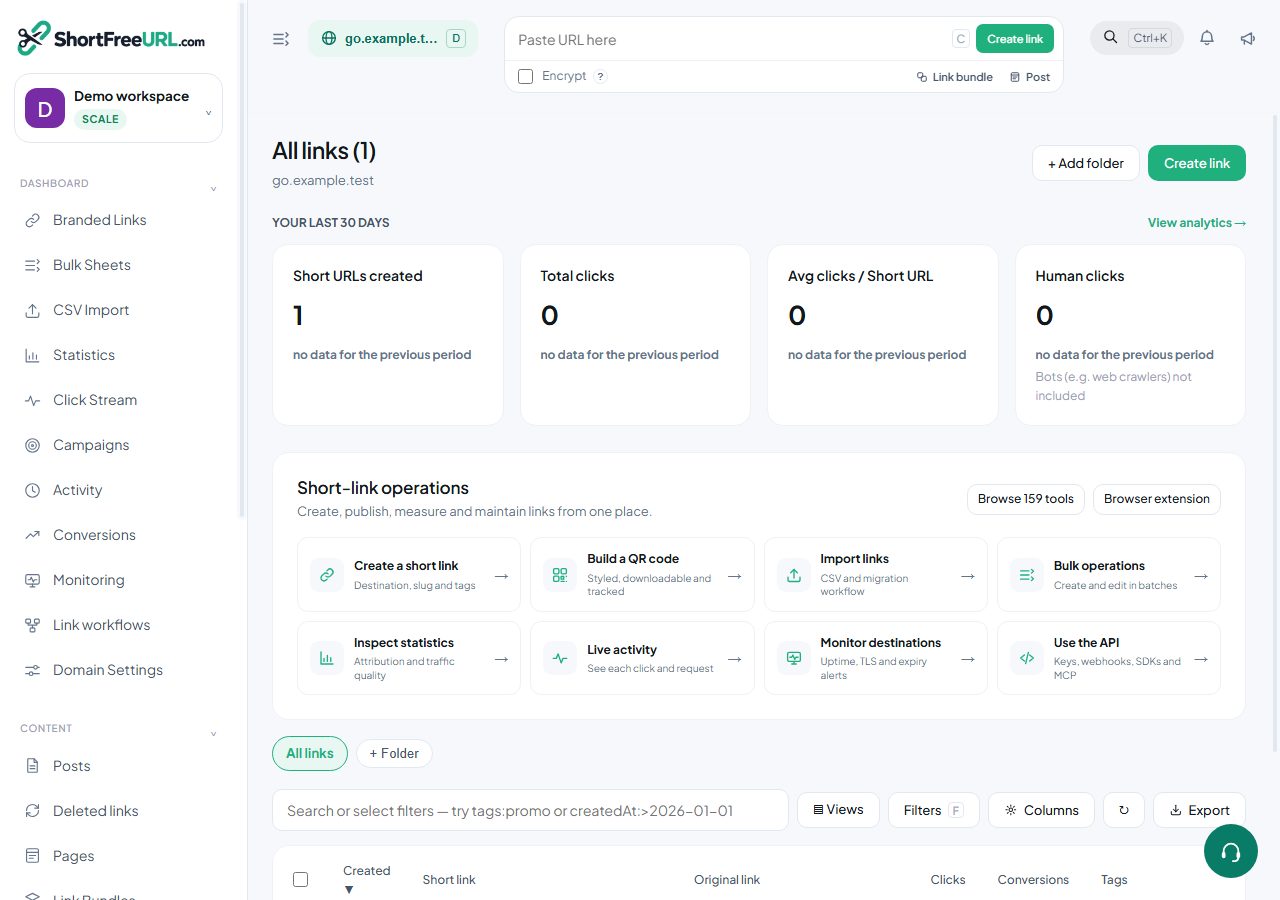
Find this in your dashboard
- Sign in and select the workspace and domain you want to manage.
- Open Branded Links. Review the article’s steps and your plan’s available controls.
- Save your changes, reopen the record and verify the saved result. For routing changes, check the short link with a test visit.