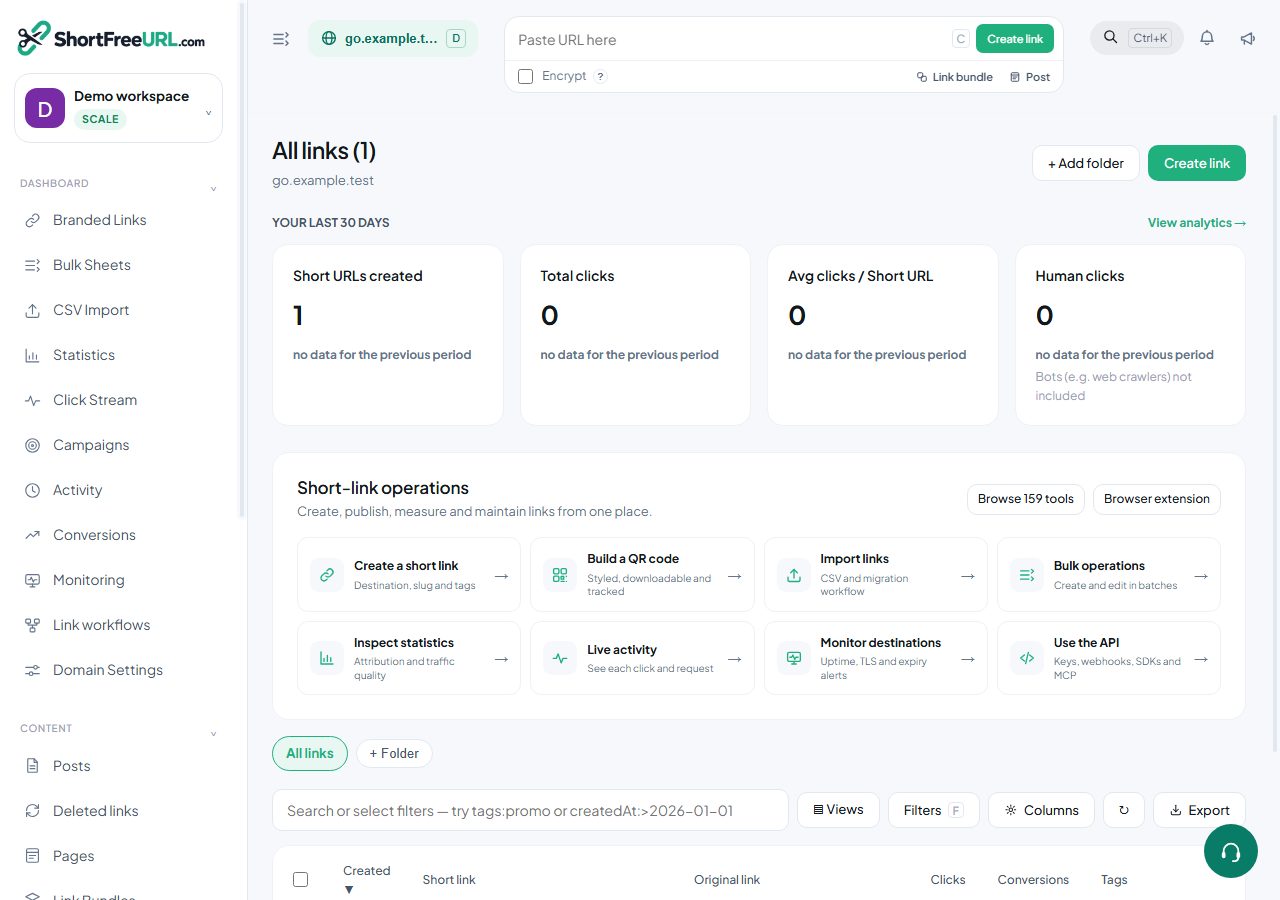
A Post is a page published straight to a short link on your domain: write Markdown in Posts → New post, choose Published, and share the link. There is no CMS, static site or hosting to set up, and every visit is counted like any other click — sources, devices, countries and cities.
The editor shows a live preview drawn by the same renderer as the published page. Raw HTML is shown as text and never runs, and links and images only keep web, email, relative and anchor addresses.
Text
# Heading,## Section,### Subsection— or underline a line with===or---.**bold**,*italic*,~~strikethrough~~,==highlight==andinline code.- Two spaces or a backslash at the end of a line force a line break.
Links and images
[text](https://example.com "optional title")and.- Reference-style:
[the docs][docs]with[docs]: https://example.com/docsanywhere in the post. <https://example.com>becomes a link on its own.
Quotes and alerts
A line starting with > is a quote. GitHub-style alerts use a marker on the first line:
> [!NOTE]
> Useful information.
The markers are NOTE, TIP, IMPORTANT, WARNING and CAUTION, each with its own colour.
Lists
- Bullets with
-,*or+; numbers with1.— a list may start at any number. - Indent by two or more spaces to nest a list inside an item.
- Task lists:
- [x] Doneand- [ ] To doshow as ticked and unticked boxes.
Tables
| Left | Center | Right |
|:-----|:------:|------:|
| a    |   b    |     c |
Colons in the separator row set each column's alignment. Use \| for a pipe inside a cell.
Code
Fence code with three backticks and a language name. JavaScript, TypeScript, Python, Bash, JSON, SQL and HTML are highlighted; any other language is shown as plain monospaced text.
Footnotes, definitions and abbreviations
- Footnotes:
a claim[^1]and[^1]: the source; they are numbered in order and listed at the end with a link back. - Definition lists: a term on one line, then
: its definitionon the next. - Abbreviations:
*[HTML]: Hyper Text Markup Languageadds a hover explanation to every HTML in the post.
Formulas
Write LaTeX between $…$ for inline math and $$…$$ (or a ``math block) for a displayed formula. Fractions, roots, sums, integrals and limits with bounds, Greek letters, matrices (pmatrix,bmatrix,vmatrix) and piecewise functions (cases`) are supported, and render as native browser math. A dollar sign followed by a number, like $5, stays a price.
Diagrams
A ```mermaid block draws flowcharts, sequence diagrams, Gantt charts and entity–relationship diagrams on the published page. The Mermaid library is loaded only on posts that contain a diagram, and it runs in its strict mode, which does not allow HTML in labels. The editor preview shows the diagram source.
Publishing
- Slug sets the short link path; leave it empty to derive one from the title.
- Status: Draft is private, Published is live, Scheduled goes live at its date.
- SEO title, SEO description and Hide from search engines control how the page appears in search and when shared.
- A post follows the domain's theme and favicon.
Find this in your dashboard
- Sign in and select the workspace and domain you want to manage.
- Open Branded Links. Review the article’s steps and your plan’s available controls.
- Save your changes, reopen the record and verify the saved result. For routing changes, check the short link with a test visit.