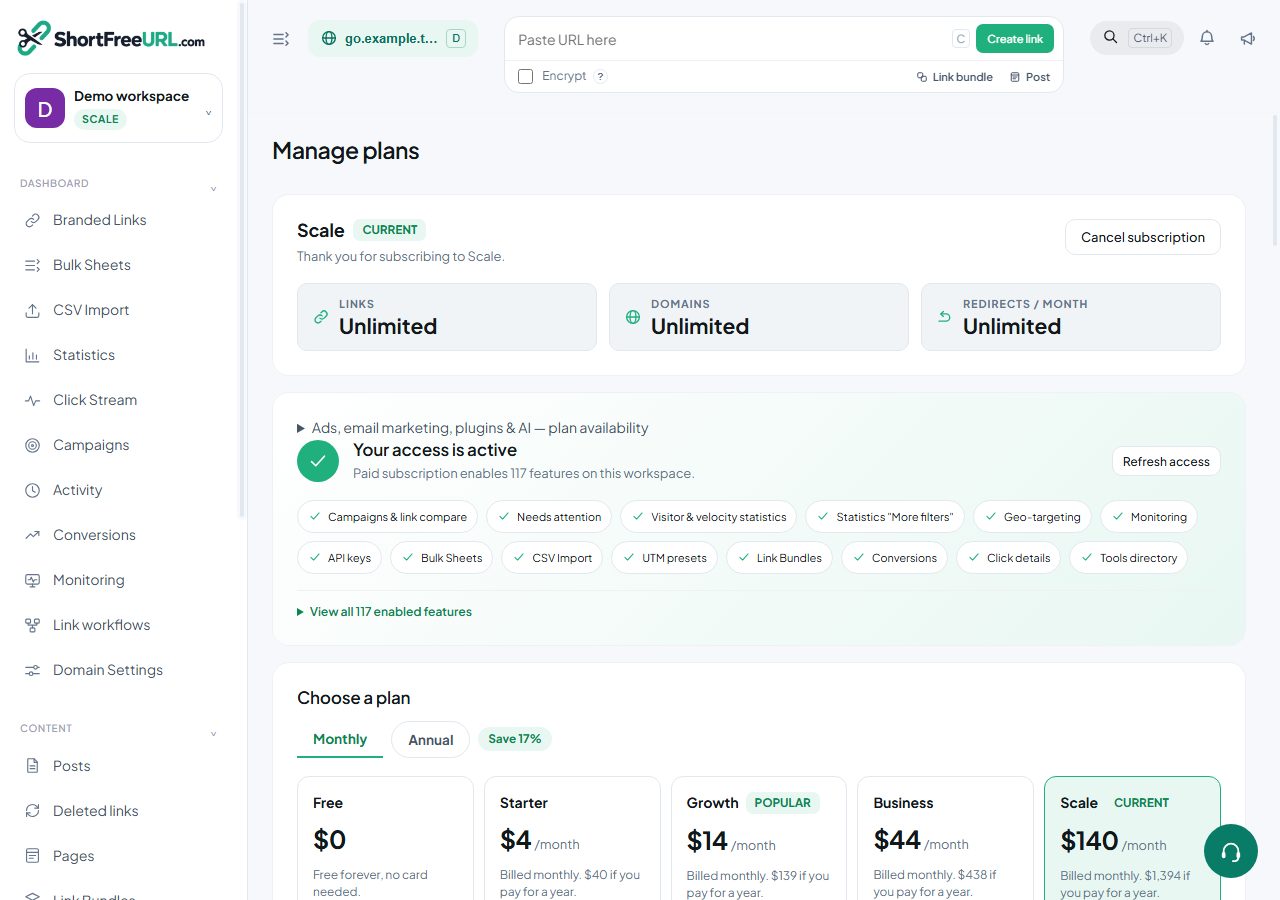
Cancelling is a single action under Billing, available to owners and admins. It does not delete anything.
What cancelling does
The subscription is marked to end at the end of the period you have already paid for. Pro features keep working until then. At the period end the organization falls back to the Free plan.
Resuming
Resuming before the period ends clears the cancellation and the subscription continues as normal, with no new charge and no gap. After the period has ended, resuming is simply a new checkout.
What happens at the fallback
Nothing is deleted. Links keep redirecting, QR codes keep scanning, statistics stay where they are, and the API keeps working. What stops is the Pro behaviour:
- Gated settings are no longer applied on write. Geo rules, expiry, cloaking, passwords, social metadata, per-link tracking and link permissions are stripped from new saves, and the response says so. Values already stored on existing links remain in the database, but you cannot edit them into a link while on Free.
- Advanced statistics filters stop being available; date range and the human/bot mode continue to work.
- Retention returns to the free window, so click data older than that window ages out.
- The "Powered by" badge returns to visitor-facing pages.
- Plan limits apply again. Being over a limit does not delete anything — you simply cannot create more until you are under it.
Before you cancel
Export what you would miss. The statistics export, the click stream CSV and the links CSV all take one action each, and the retention window is the thing most likely to cost you something you cannot get back.
If you use the daily S3 export, make sure the current day has been written before the plan changes.
Deleting an account entirely
Cancelling and deleting are different. Account deletion is a separate action under profile settings and removes your data. There is also a data export that produces everything held about your account, which is worth running first.
Downgrading without cancelling
If the goal is only to spend less, yearly billing is cheaper per month than monthly, and coupons apply to both.
Find this in your dashboard
- Sign in and select the workspace and domain you want to manage.
- Open Subscription. Review the article’s steps and your plan’s available controls.
- Save your changes, reopen the record and verify the saved result. For routing changes, check the short link with a test visit.