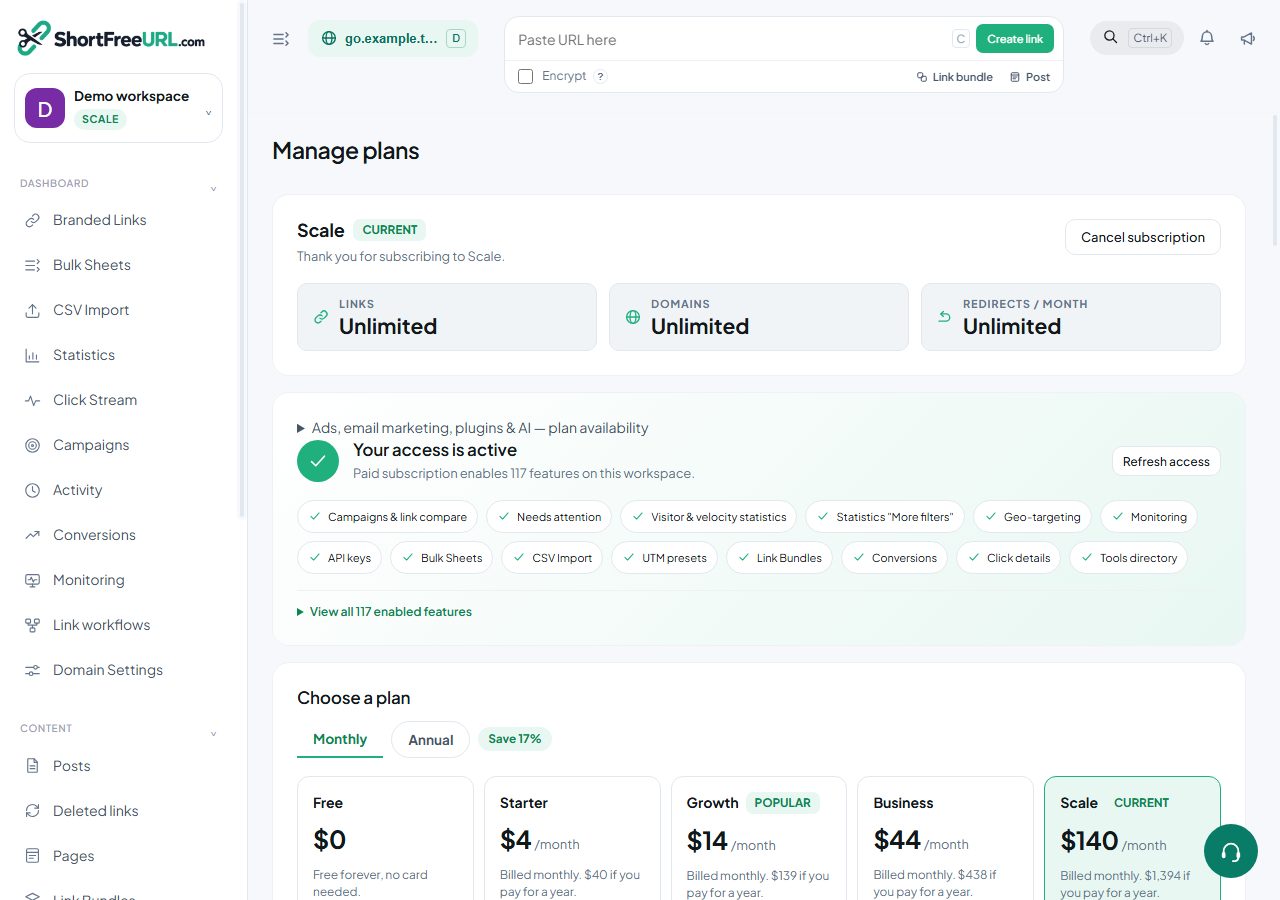
There are five plans: Free, Starter, Growth, Business and Scale. Free is a working product rather than a trial — the difference between plans is targeting, control and scale, not whether links work.
What Free includes
Creating and editing links with custom slugs, changing destinations at any time, tags, folders, archiving, duplicating, the UTM builder, the classic QR studio, markdown posts, main page and 404 redirects, free SSL on every domain, the statistics dashboard, the click stream (the time, link, country and IP of each click), the hour-by-weekday heatmap, link compare, the needs-attention list, shared statistics pages, the REST API, the browser extension and MCP.
What each paid plan adds
- Starter — mobile targeting for iOS and Android; A/B testing and link rotation; link bundles (link-in-bio); CSV import and Bulk Sheets; saved UTM presets; CSV and XLS exports; visitor statistics (new vs returning, how clicks arrive, clicks by weekday, click velocity and when clicks arrive); full click details in the click stream (where it came from, device, campaign, result, region, city, continent and timezone); the Campaigns roll-up; conversion tracking; browser and OS version breakdowns; Google Ads, GA4 and Meta tracking; Zapier, Make, Slack, Segment and WordPress, with multiple accounts per provider; click webhooks; country geo-targeting, AI QR artwork, referrer hiding, hide visitor IP, prevent scraping, robots policy control, deleted-link recovery, and removal of the "Powered by" badge on visitor-facing pages.
- Growth — expiry by date, click limit and TTL; cloaking; password protection; the 301/302/307/308 choice; Open Graph and social metadata; campaign templates; per-link tracking pixels; signed redirects; destination restrictions; advanced dimension filters; precise click location (postcode, coordinates and network operator); teams and roles; the AI assistant.
- Business — region and city geo-targeting, mobile deep links, encrypted links, per-link permissions, custom SSL upload and priority support.
- Scale — SAML single sign-on, multiple teams, daily S3 click export and unlimited retention.
Each plan includes everything in the plans before it.
The limits that matter
Every plan has caps on team members, total links, custom domains, free subdomains, API-created links, tracked clicks per month, conversions per month, folders, uploaded storage, the AI budget, and how long click data is retained. Each step up raises them.
Current values are shown on the pricing page and in Billing, and they are set per instance rather than hard-coded, so check there rather than trusting a number in a document.
Where a limit bites
Reaching the link limit means creates fail with a message naming the limit. Reaching the monthly conversion limit means the conversions endpoint returns 402. Reaching the retention window means old clicks age out. Nothing is deleted because you crossed a limit — links and clicks you already have stay.
Find this in your dashboard
- Sign in and select the workspace and domain you want to manage.
- Open Subscription. Review the article’s steps and your plan’s available controls.
- Save your changes, reopen the record and verify the saved result. For routing changes, check the short link with a test visit.