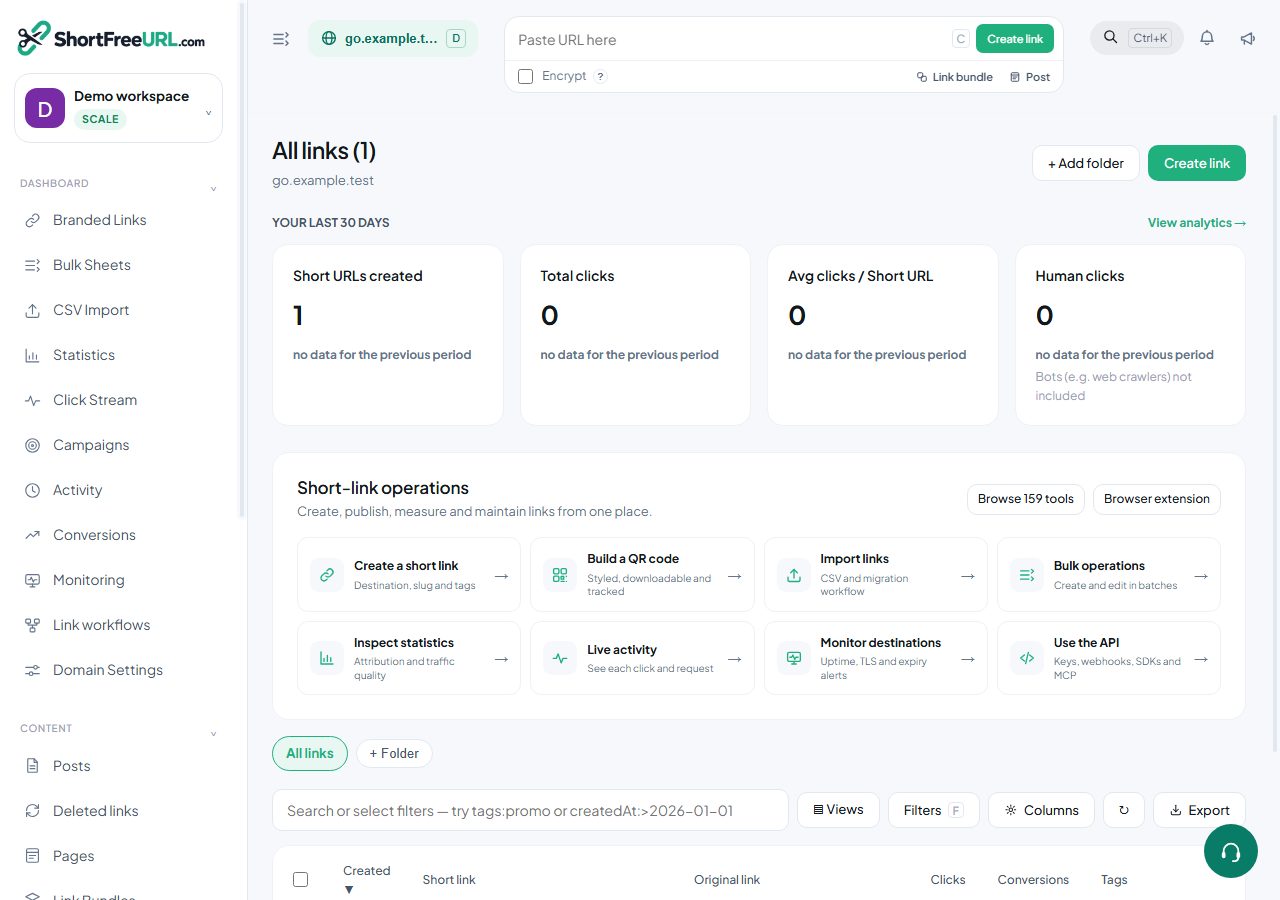
- Create your account, then add a domain — a free subdomain, a domain you already own, or one you buy in-app.
- Create your first link from the "Paste URL here" bar at the top of the dashboard. Press C anywhere to open it.
- Open Statistics to see clicks appear. Bot traffic is separated from human traffic automatically.
- Invite your team from Organization Settings, and set folder defaults so everyone tags links the same way.
Find this in your dashboard
- Sign in and select the workspace and domain you want to manage.
- Open Branded Links. Review the article’s steps and your plan’s available controls.
- Save your changes, reopen the record and verify the saved result. For routing changes, check the short link with a test visit.