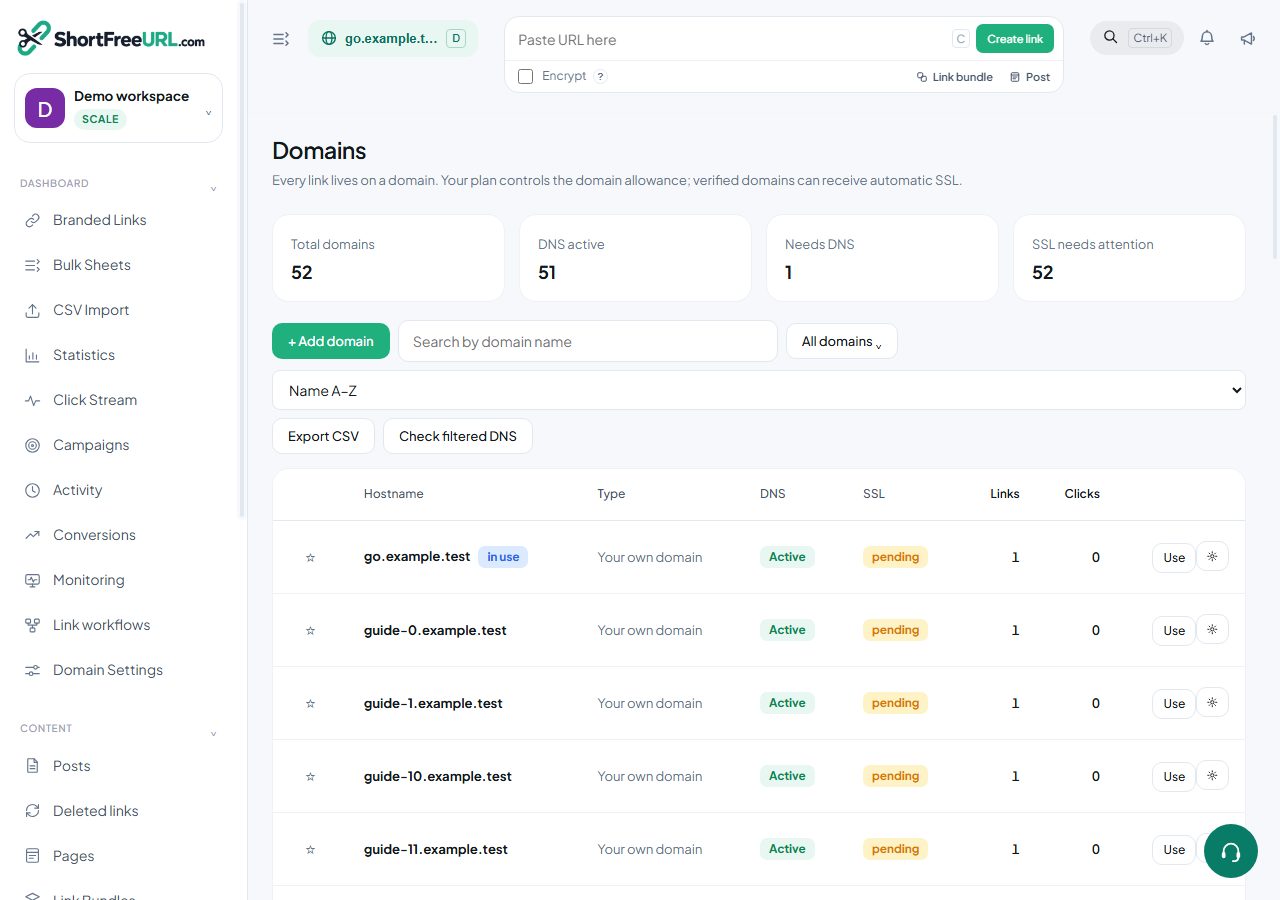
Every link needs a domain. ShortFreeURL offers three ways to get one, and you can mix them in the same account.
A free subdomain
Pick a name and you get yourname.<shared domain>. It is active immediately, SSL included, with no DNS work. Restrictions worth knowing before you commit:
- The name must be at least three characters, letters, numbers and hyphens only.
- Reserved names — www, api, app, admin, mail, help, docs, go, link, status and around forty others — are refused.
- You must verify your email or phone before claiming one. That is an abuse-prevention rule, not an upsell.
- The free plan includes one free subdomain.
Some operators offer more than one shared base domain; the picker lists the ones your plan is allowed to use.
A domain you already own
This is the right answer for anything customer-facing. Use a subdomain such as go., get. or link. rather than your apex domain — an apex that already serves your website cannot also point at the redirector. You add an A record and a CNAME, press Refresh, and the domain moves to Active once DNS resolves. SSL is issued automatically.
If your DNS is hosted somewhere with an API — Cloudflare, GoDaddy, Namecheap, DigitalOcean, Route 53, Porkbun and others — connect the registrar instead and ShortFreeURL writes both records for you.
Buying one in-app
The domain search shows availability and yearly prices across .com, .co, .io, .in, .link, .site, .store, .xyz, .app and .me, priced in USD or INR depending on your billing country. A purchased domain is created already active with its DNS records recorded, and appears under Purchased domains where you can toggle auto-renew.
Which to pick
Start on a free subdomain if you are evaluating. Move to your own domain before you print anything or send a campaign: link text is read by recipients, and a branded host measurably changes whether a link looks safe to click. Links are not portable between domains, but Duplicate to domain copies them across in bulk.
Find this in your dashboard
- Sign in and select the workspace and domain you want to manage.
- Open Domains. Review the article’s steps and your plan’s available controls.
- Save your changes, reopen the record and verify the saved result. For routing changes, check the short link with a test visit.