

Publish short links from WordPress and Shopify
Install the downloadable integration package, check its first event and keep a clear record of what was created.
By ShortFreeURL Team · 12 September 2026
Choose the package for the publishing system
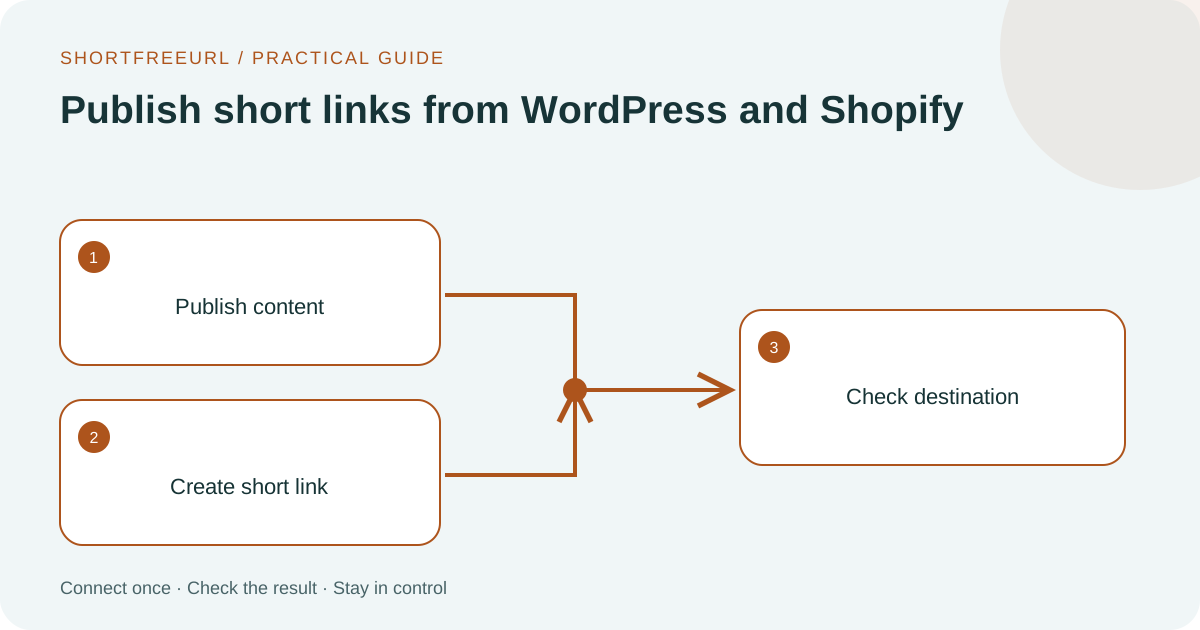
The downloads page contains installation steps and illustrations for the available packages. Use the WordPress package for post publishing and the Shopify package for its documented product-webhook workflow. Direct package distribution is separate from a marketplace listing.
Start with a test post or product. Confirm the public destination loads before expecting the short link to work. Keep draft or private content out of a public promotion until it is ready.
Verify the first publishing event
Follow the package’s installation guide and connect the intended workspace and domain. Publish the test content, then check for the resulting short link in the dashboard. Compare the title and destination against the content you published.
Inspect the delivery or webhook outcome if the link does not appear. A plugin being installed does not establish that its credentials, permissions and destination domain are correct. Check those separately before publishing more content.
Plan changes and disconnection
After changing credentials, repeat one controlled publishing test. If you disconnect an integration, future events should stop using that stored connection. Existing posts, products and links have their own lifecycle and should be reviewed separately.
Give the next person a short handover: package version, workspace, domain, expected event and where to inspect failures. WordPress installation and Shopify installation provide the current setup paths.