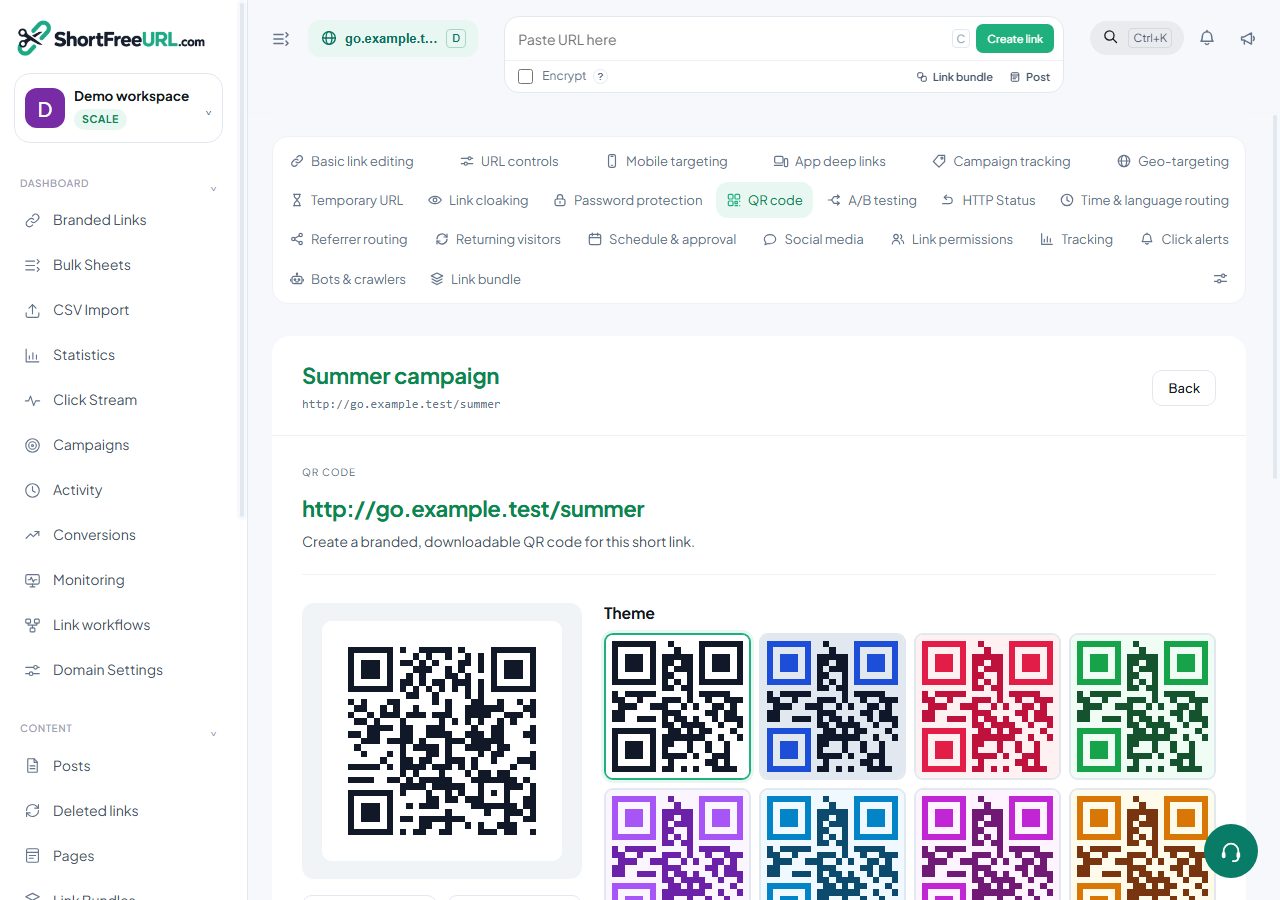
Print is where QR codes earn their place and where mistakes are most expensive, because you cannot edit a poster after it ships. What you can edit is the destination — which is the entire argument for encoding a short link rather than a destination URL.
Use vector formats
Download SVG or PDF for anything that goes to a printer. PNG at 2048 is acceptable for large-format work at a pinch, but a raster code scaled up softens the module edges, and soft edges are exactly what a scanner struggles with.
Sizing
A workable rule of thumb is about one centimetre of code for every twenty-five centimetres of scanning distance. A code read from half a metre wants roughly two centimetres; a code across a room wants a great deal more than people expect. Round up — a code that is slightly too big costs nothing.
Keep the quiet zone: the clear margin around the code is structural, not decorative, and designers remove it more often than any other element.
Tell people what they get
A bare code on a wall is scanned by very few people. A caption — the studio has a caption field — changes the response rate noticeably. "Scan for the menu" is better than "Scan me", which is better than nothing.
Encode a short link, never the destination
Encoding the final URL means the code is permanent and wrong the moment the destination moves. Encoding a short link means you change the destination in the dashboard and every printed copy follows. This is the single most valuable property of a QR code on print.
For the same reason, never delete the link behind a printed code, and never edit its slug. Deleting frees the slug for reuse, so a future link could inherit your poster's traffic. Archive instead of deleting.
Measuring
Codes generated here encode the short URL with ?qr=1, so scans appear separately from clicks in statistics. Give each placement its own link — one for the poster, one for the flyer, one for the table tent — and you can compare placements rather than guessing. Set the UTM values on those links too, so the destination's own analytics can tell them apart.
Before the print run
Scan a proof, from the real distance, on more than one phone.
Find this in your dashboard
- Sign in and select the workspace and domain you want to manage.
- Open QR code. Review the article’s steps and your plan’s available controls.
- Save your changes, reopen the record and verify the saved result. For routing changes, check the short link with a test visit.