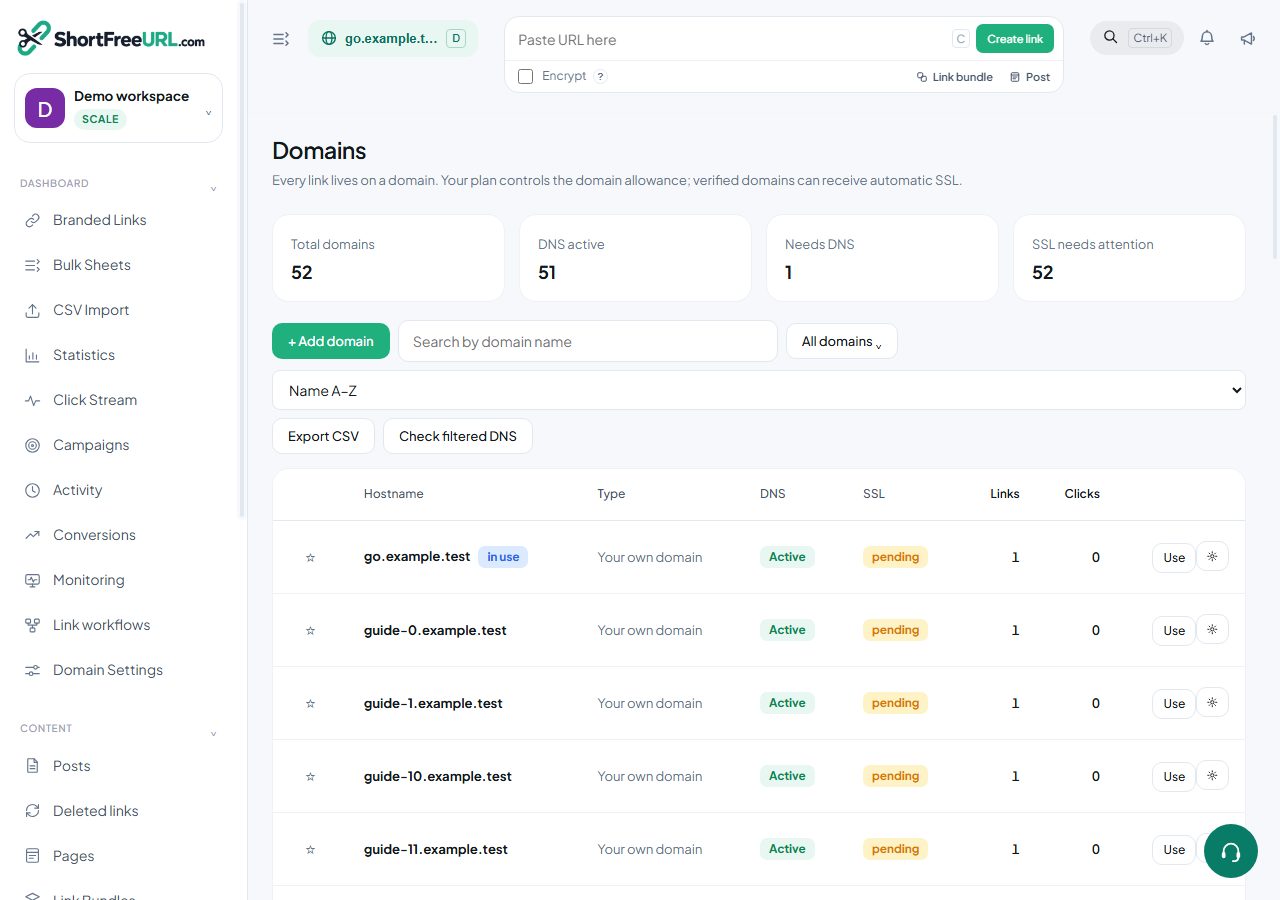
A branded domain needs two DNS records and about fifteen minutes of propagation. Nothing else — SSL is issued for you once the records resolve.
Pick the right hostname
Use a subdomain: go., get., link., s.. If your website already lives at the apex of the domain, pointing the apex A record here moves your whole site, which is almost never what you want. A subdomain leaves the website alone.
The records
Add the domain in the dashboard and the exact values are shown on screen:
A       @ (or the subdomain)    <the redirect IP shown in the dashboard>
CNAME   www                     <the CNAME target shown in the dashboard>
Press Refresh DNS check after saving them. The domain moves through three states:
- Pending — nothing resolves here yet. The panel shows the A records it can currently see, next to the one it expects, which is usually enough to spot a typo.
- Extra records — the A record resolves but
wwwis not pointing here yet. Links already work; thewwwform does not. - Active — both records are in place. SSL is issued automatically.
SSL
Certificates are requested and renewed for you. If you have to use a certificate issued elsewhere — an internal CA, or a wildcard you already deploy — upload the full chain and the private key in PEM format under Domain settings, Redirects, DNS and SSL. Automatic renewal stops while a custom certificate is in place, so put its expiry in a calendar.
Common blockers
- Cloudflare proxying. The orange cloud in front of an A record can interfere with certificate issuance. Set the record to DNS-only until the domain is active.
- CAA records. A restrictive CAA record on the parent domain prevents issuance. Either add the issuer used here, or remove the restriction.
- An existing CNAME on the same name. DNS does not allow a CNAME beside other records at the same name. Remove the old one first.
Once the domain is active, mark it as your favourite so new links default to it, then set a main page redirect and a 404 redirect before you share anything.
Find this in your dashboard
- Sign in and select the workspace and domain you want to manage.
- Open Domains. Review the article’s steps and your plan’s available controls.
- Save your changes, reopen the record and verify the saved result. For routing changes, check the short link with a test visit.