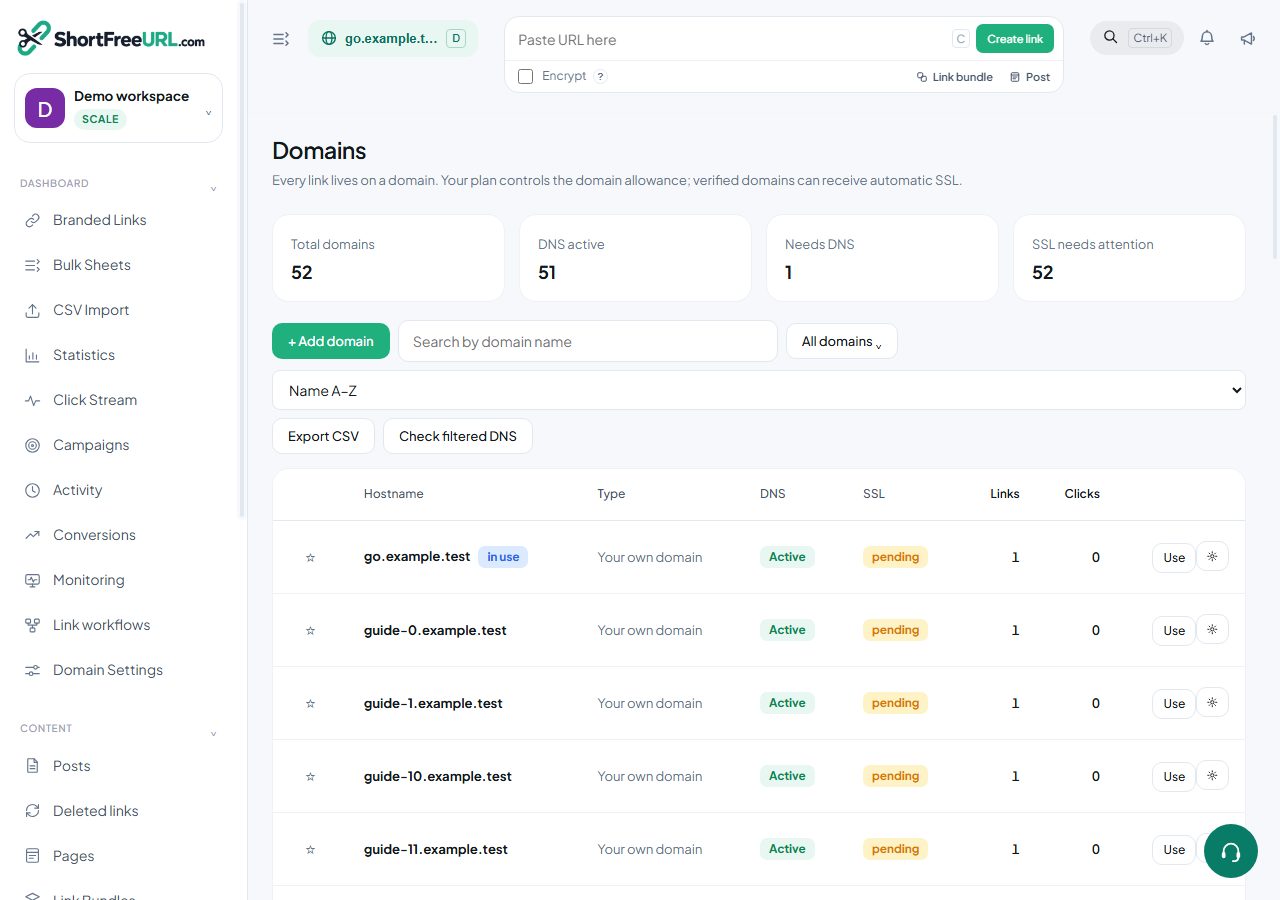
Domains accumulate links, and links accumulate clicks. The maintenance tools live at the bottom of Domain settings, under Danger zone, plus two settings under Statistics.
Auto-delete old links
Under Domain settings, Statistics, Auto-delete links after (days) removes links older than the given age automatically. Leave it empty to keep everything. It suits domains used for transactional or generated links — one-time invitations, receipts, per-order tracking — where thousands of links accumulate and none of them matter after a month.
Folders can carry their own auto-delete period as a default, which is a gentler way to apply the same idea to one workflow rather than a whole domain.
Deleting old links by hand
Delete old links in the Danger zone takes a cutoff date, previews how many links would go, and then deletes them. Set a 404 redirect first: anyone following a deleted link should land somewhere useful rather than on a not-found page.
Deleting statistics
Delete statistics removes the click history for the domain while leaving the links intact. It is the right tool after a load test, a bot flood, or a period of internal traffic you forgot to exclude. It cannot be undone, and it is restricted to owners and admins.
If the problem is only your own traffic, the better fix is the IP exclusion list under Statistics — clicks from those addresses are never recorded in the first place.
Transferring a domain
Transfer domain moves a domain, its links and its click history to another organization by email address. The recipient must already have an account. Use it when a domain belongs to a client, or when you are splitting one workspace into several.
Deleting a domain
Deleting a domain deletes its links and their statistics. Every short URL on it stops working immediately, including printed QR codes and anything embedded in emails already sent. If the goal is only to stop using the domain for new links, remove it from favourites and let existing links keep resolving instead.
Before any of these
Export first. The links table exports the current selection as CSV, and statistics export as XLS, which gives you something to restore from or to hand to whoever asks what was there before.
Find this in your dashboard
- Sign in and select the workspace and domain you want to manage.
- Open Domains. Review the article’s steps and your plan’s available controls.
- Save your changes, reopen the record and verify the saved result. For routing changes, check the short link with a test visit.