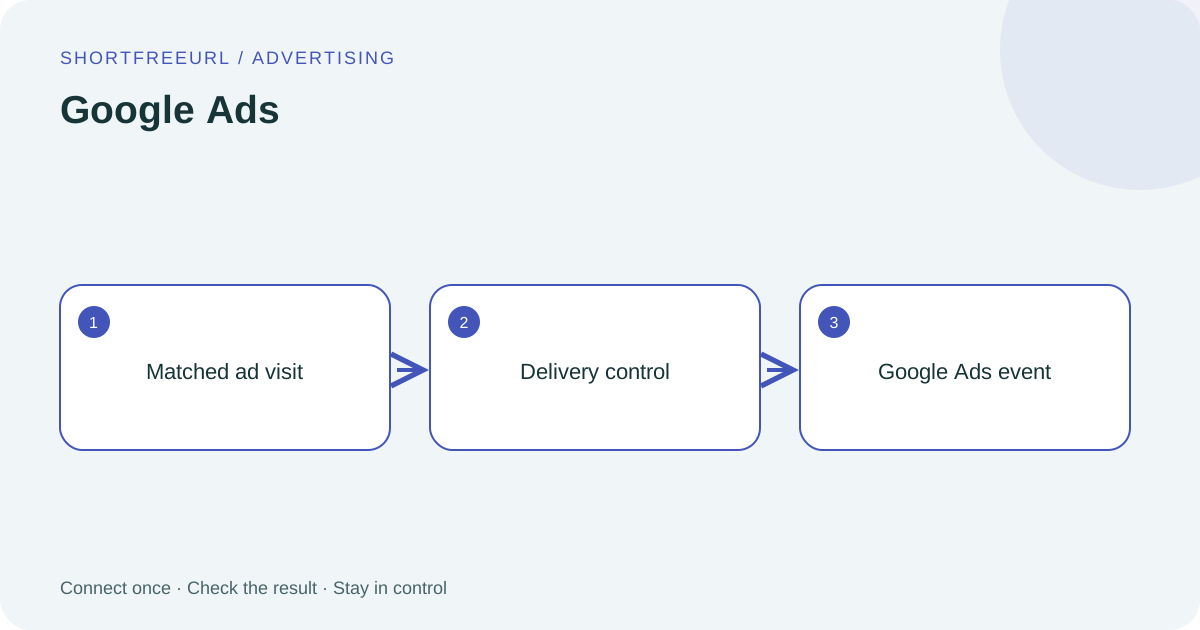
Sign in with Google and send attributed click events through Data Manager.
What this connection does
After login, configure your Ads customer and a click/view conversion action. Enable the Data Manager API for the operator’s Cloud project. Only matching gclid/gbraid/wbraid clicks are sent when enabled. This does not create campaigns or count visits as purchases.
Before you start
Use a workspace Owner or Admin account. Prepare access to your provider account. Google login requires the site administrator’s OAuth application to be configured first; API-key connections need the key from your own provider account.
Setup
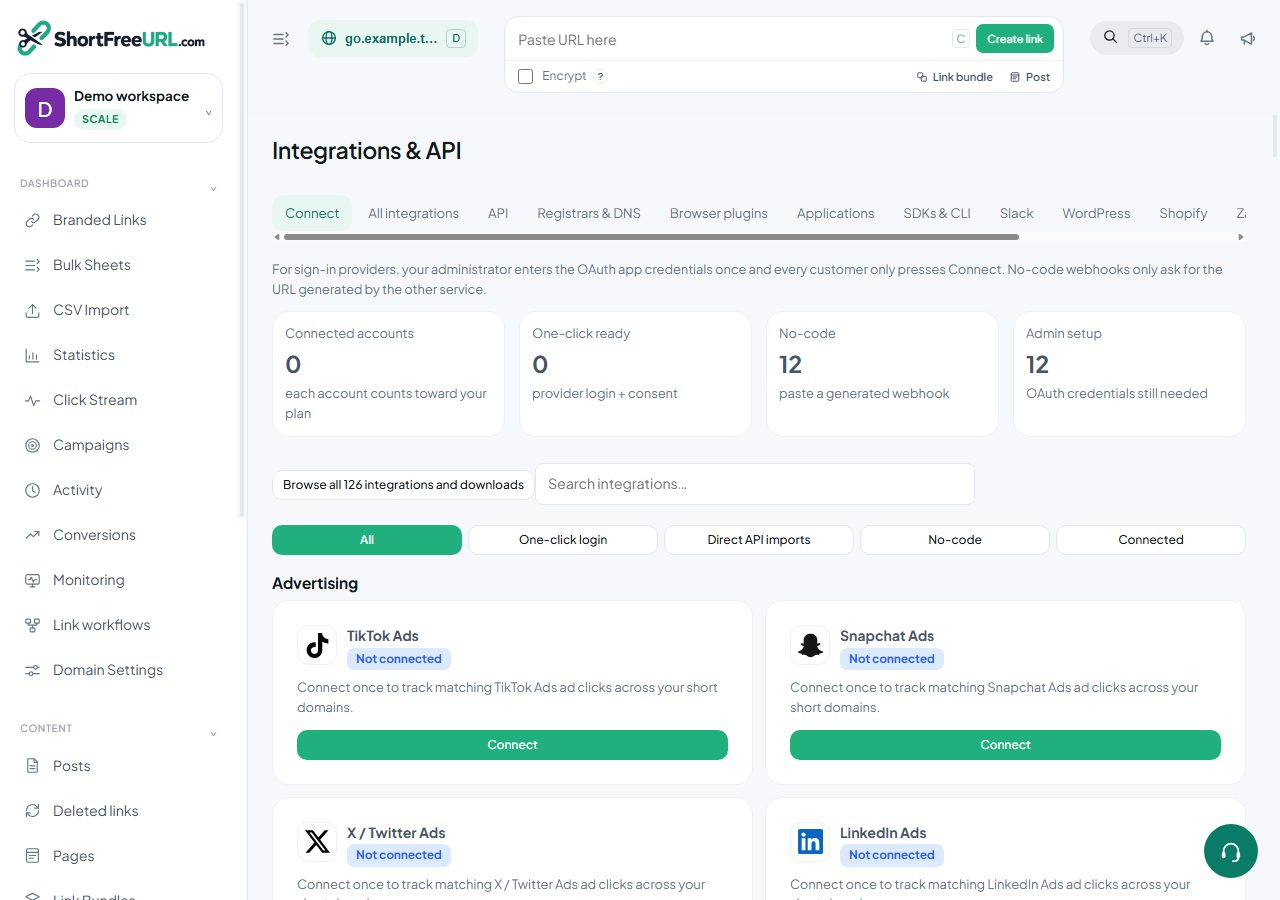
- Open Integrations & API and find Google Ads. Choose Connect with Google. The administrator first configures the Google Ads OAuth application and enables Data Manager API.
- Keep Automatic ad-click tracking Off while setting up. Choose Configure and enter numeric customer and click/view conversion action IDs. Include a manager ID only when required.
- Optionally restrict the connection to one domain ID in this workspace; otherwise it covers workspace domains.
- Choose Validate setup. Validation or account access success confirms setup access, not final attribution.
- Set Automatic ad-click tracking to On when ready. Only visits containing this platform’s click identifier are forwarded. Check Deliveries and the advertising platform’s own event diagnostics.
Data and verification
Out: matched ad click identifier, event ID, timestamp and short URL. Some platforms also receive visitor IP and browser user agent.
In: API acceptance or failure, recorded in Deliveries.
GPC and Do Not Track requests, detected bots and unmatched ad visits are skipped by the connector.
Troubleshooting
A connected badge means credentials have been saved. Run the available connection check and inspect Deliveries for the provider response. For a 401/403, check key permissions and account ownership. For quota or rate limits, check the provider dashboard before retrying. Never paste a secret into a public support message.
Can I change credentials or disconnect?
Owners and workspace admins can use Edit setup for API credentials, Configure for destinations, and Disconnect to remove the stored connection. Blank secret fields preserve the saved key. Disconnecting does not delete previously created campaigns in the provider.
Does an accepted event mean a sale?
No. This connector reports a click/view, not a purchase. Platform attribution can be delayed or rejected. Confirm sales in your checkout and advertising reports.
Next steps
Open this integration · Browse integrations · Official provider documentation
Find this in your dashboard
- Sign in and select the workspace and domain you want to manage.
- Open Integrations & API. Review the article’s steps and your plan’s available controls.
- Save your changes, reopen the record and verify the saved result. For routing changes, check the short link with a test visit.