Three integrations cover most of the "shorten this without opening the dashboard" and "do something when a link is clicked" requests.
Slack
Add a slash command in your Slack app pointing at the Slack command endpoint shown on the Slack tab, then paste your Slack workspace ID and choose the domain links should be created on.
/shorten https://example.com/very/long/url spring promoThe first argument is the destination, the optional second is the slug, the optional third is a tag. The command replies in the channel with the short URL, so everyone present gets it. Errors — a taken slug, a blocked destination, a plan limit — come back privately to the person who ran the command rather than to the channel.
A workspace that has not been connected gets a message saying so instead of a cryptic failure.
Zapier and Make
Both authenticate with an API key and expose the same discovery document.
Triggers:
- New link created
- New click
- New conversion
Actions:
- Create link
- Update link
- Delete link
- Get link statistics
That is enough for the common automations: shorten a URL from a spreadsheet row, create a link when a campaign is approved, post to a channel when a specific link is clicked, add a row to a sheet on conversion.
Choosing between a Zap and a webhook
A trigger in Zapier or Make polls; a webhook is pushed the moment the click happens. If latency matters — an alert, a live dashboard — use a webhook. If you are gluing two SaaS tools together and a delay of minutes is fine, the automation platform is far less work.
Rate limits apply
Automation platforms retry aggressively, and a badly configured polling trigger can consume a surprising share of your API rate limit. Use the narrowest filter the trigger allows, and prefer a webhook where a poll would run every minute to find nothing.
Keys
Give each integration its own key, scoped to one domain where possible, so revoking one does not break the others.
Find this in your dashboard
- Sign in and select the workspace and domain you want to manage.
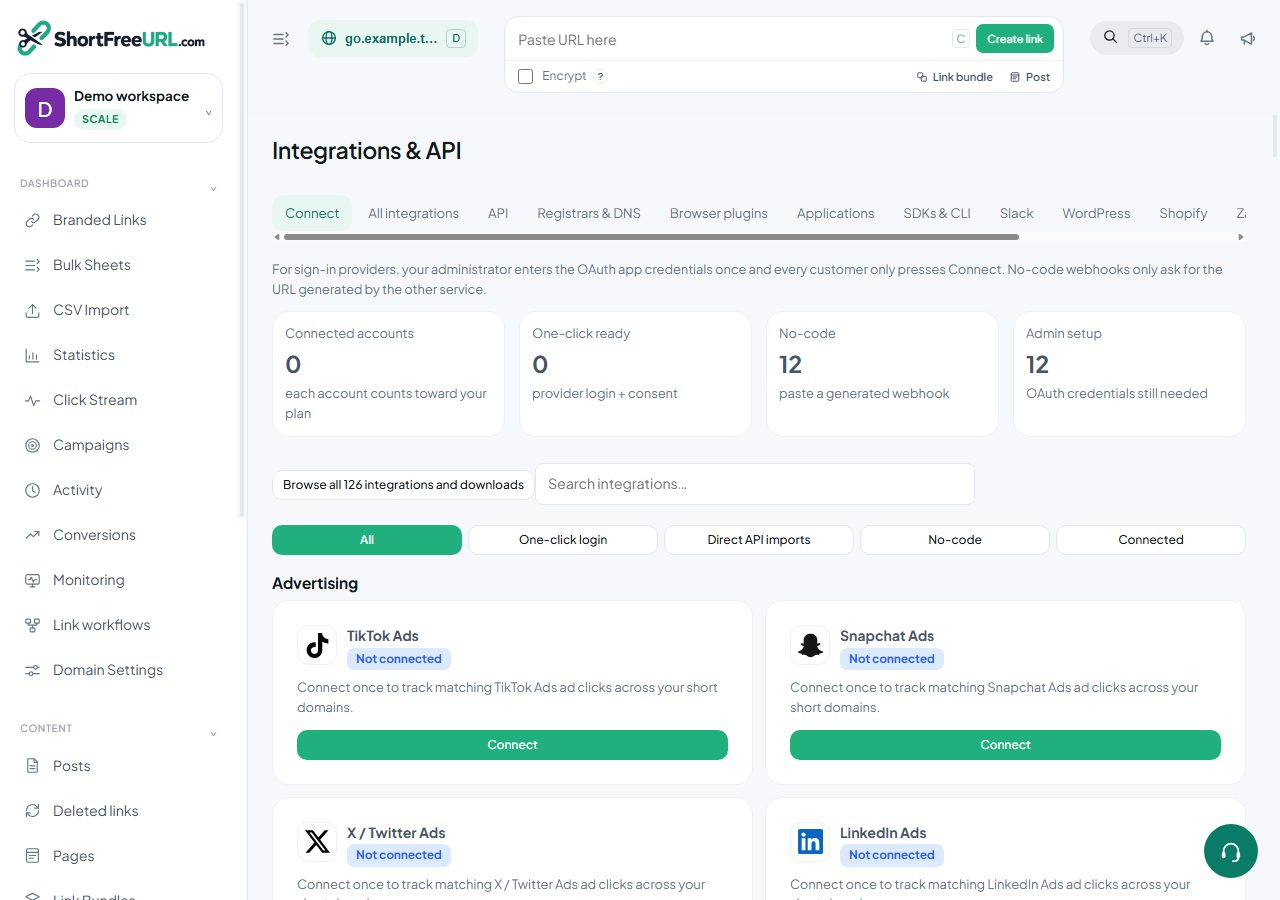
- Open Integrations & API. Review the article’s steps and your plan’s available controls.
- Save your changes, reopen the record and verify the saved result. For routing changes, check the short link with a test visit.