An MCP server is exposed so an AI assistant can create and inspect links directly, rather than you copying URLs between windows.
Connecting
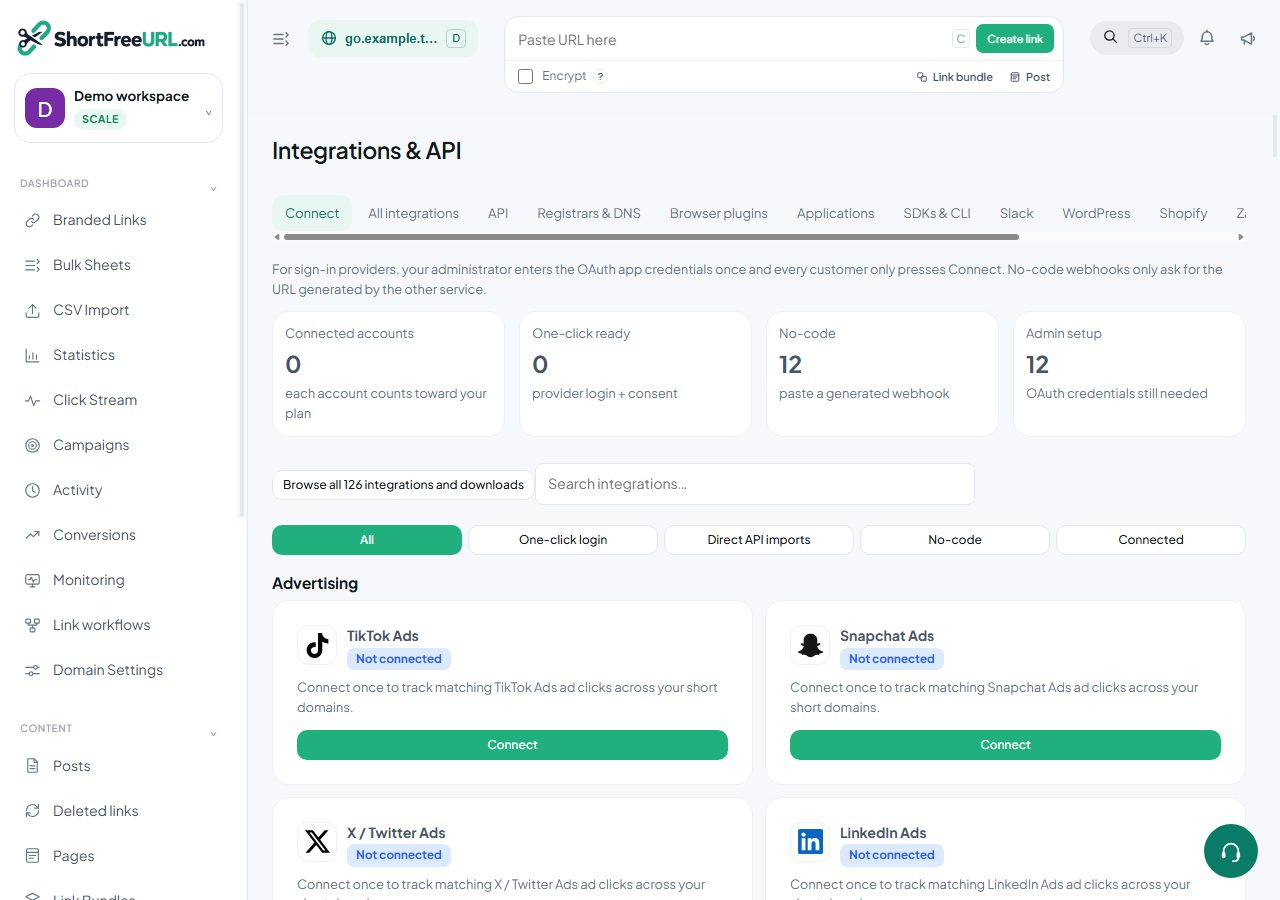
Point your assistant at the MCP endpoint shown on the MCP tab under Integrations, and authenticate with an API key. Transport is HTTP with JSON-RPC. A GET on the endpoint returns the server name, version and tool list, which is a quick way to check the connection before wiring up a client.
The tools
- create_link — creates a branded short link. Takes
originalURLand optionallypath,domain,titleandtags. Without a domain it uses your favourite domain. - search_links — searches by slug, title, destination or tag, using the same query syntax as the dashboard search box, ordered by clicks.
- link_analytics — click analytics for one link, given its path and an optional period.
- domain_analytics — the same for a whole domain.
Each tool returns both a readable summary and structured content, so an assistant can either quote the numbers or work with the objects.
What this is good for
Drafting a campaign and creating its links in the same conversation. Asking which links from last month underperformed. Checking whether a slug is already taken before printing something. Bulk-creating links from a list you are already discussing.
Permissions and safety
The MCP server acts with the permissions of the API key you gave it. A key scoped to one domain limits an assistant to that domain, which is a sensible precaution: an assistant creating links on your main branded domain because it misread an instruction is a real failure mode, and scope is the cheapest defence.
Use a secret key for a server-side assistant and rotate it on the same schedule as your other keys. Every link created through MCP is recorded with its source, so you can tell automation-created links from dashboard-created ones in the links table.
Limits
Links created through the API count against the API link limit on the free plan, separately from the total link limit. A rejected call returns the reason, so an assistant can report the limit rather than retrying forever.
Find this in your dashboard
- Sign in and select the workspace and domain you want to manage.
- Open Integrations & API. Review the article’s steps and your plan’s available controls.
- Save your changes, reopen the record and verify the saved result. For routing changes, check the short link with a test visit.