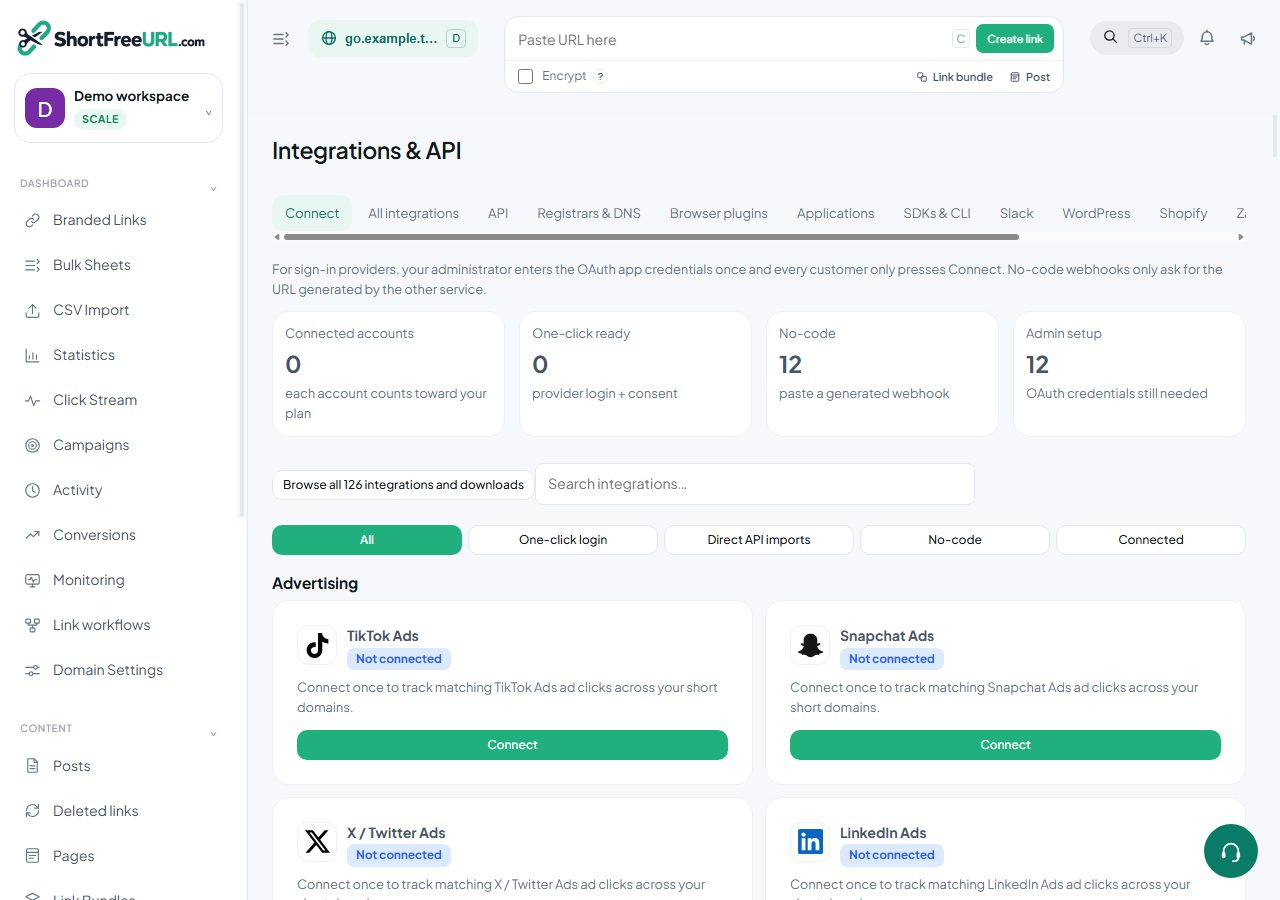
Connect your account and import selected form URLs as branded links.
Direct connection
- Open Integrations & API and find Jotform · Direct.
- Enter the provider API token and the additional fields shown. Jotform My Account → API → Create API key with read access. Match your account region.
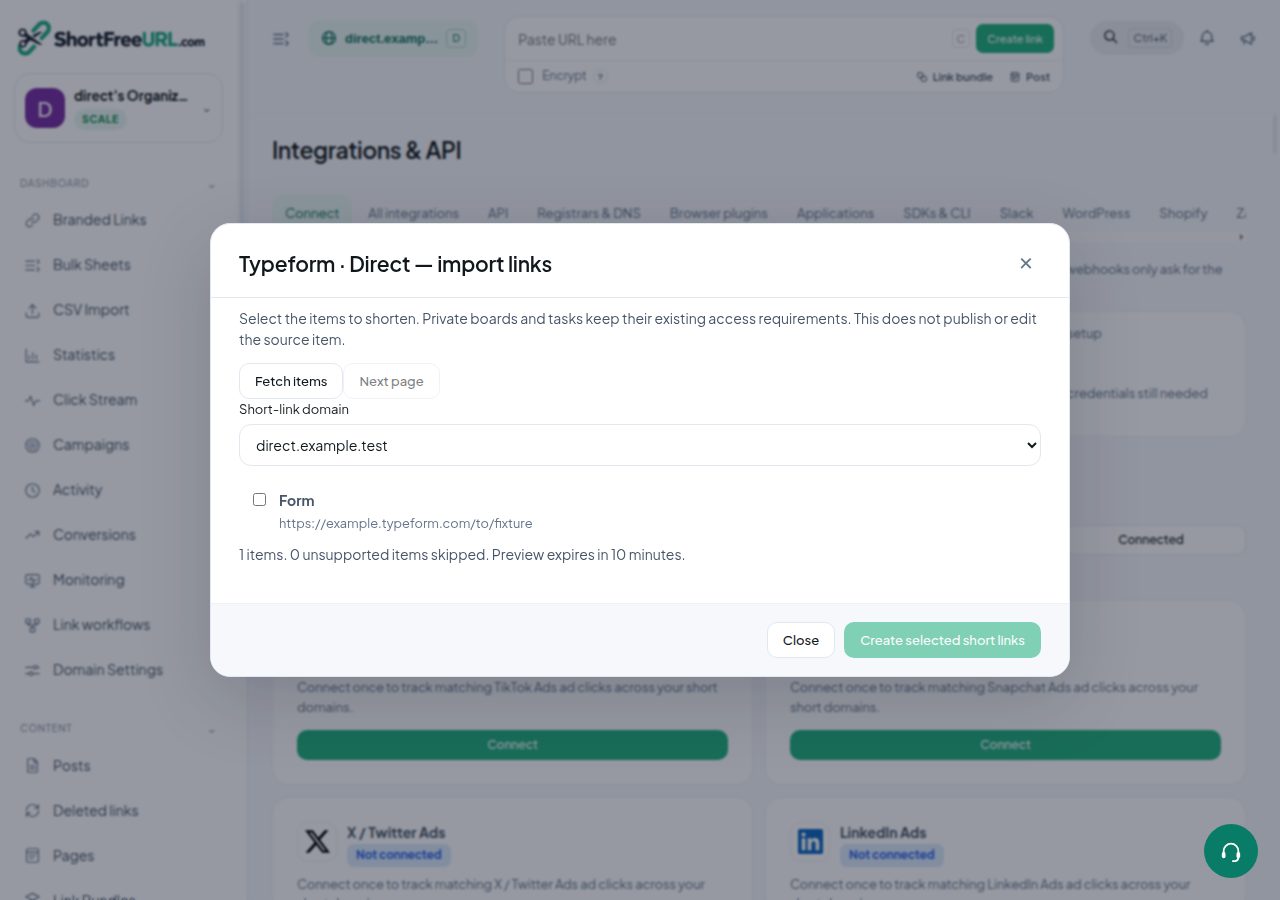
- Choose Check connection, then Import links. The app fetches your account items directly.
- Select the items and your short-link domain. Create selected short links. No source permissions are changed.
- Review created or reused links. Use Next page for more items; fetch a new preview after ten minutes.
- Use the account selector for additional accounts. Disconnect stops future access and invalidates pending previews.
Illustrated example
Permissions and limits
An owner or administrator must connect and import. Imports consume link and API creation allowances. Previews are encrypted, bound to your account and expire after ten minutes. Changed credentials, removed membership, plan expiry or disconnect prevent an old preview from importing. A failed batch rolls back its local writes.
Verify the result
Open Branded Links and the original source item. Existing destination links are reused. The original service still controls access to private items. Check Deliveries for failed account fetches.
Provider documentation
Find this in your dashboard
- Sign in and select the workspace and domain you want to manage.
- Open Integrations & API. Review the article’s steps and your plan’s available controls.
- Save your changes, reopen the record and verify the saved result. For routing changes, check the short link with a test visit.