

Google Tag Manager can run on visitor-facing pages that ShortFreeURL renders, including bundles and supported interstitial pages. Redirect-only links do not render a page, so no browser container runs on those requests.
1. Copy the container ID
In Google Tag Manager, open Admin → Install Google Tag Manager and copy the container ID in the form GTM-XXXXXXX.
2. Add it to ShortFreeURL
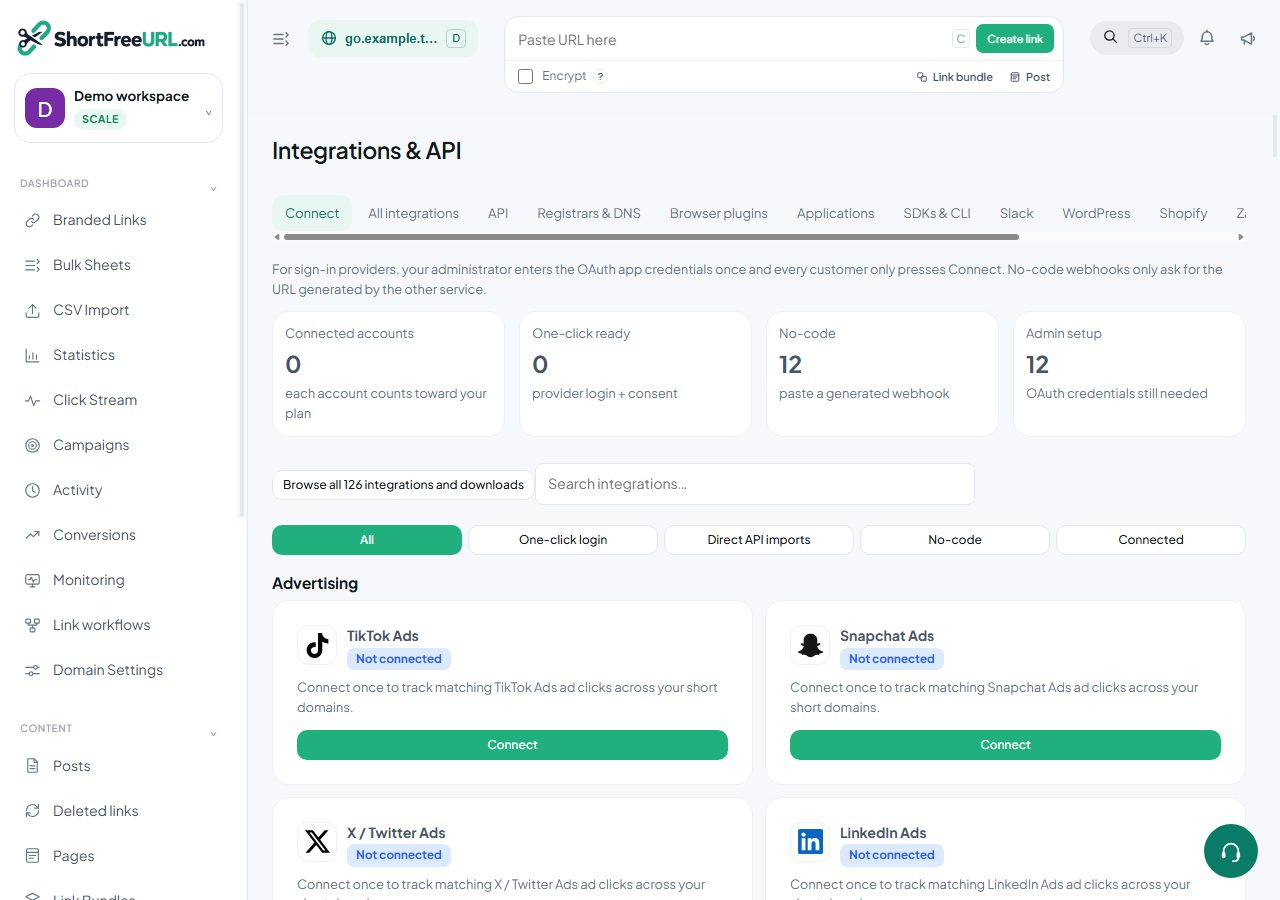
Open Dashboard → Integrations & API, choose Google Tag Manager, enter the container ID and save. Select the domains or rendered pages where it should load.
3. Configure the data layer
Create variables and triggers for the documented link, domain, path and campaign values. Publish a container version only after Preview confirms the expected event.
4. Verify
Open a bundle or supported interstitial in Tag Assistant. Confirm the container loads once and the data layer event contains the intended non-sensitive campaign fields. A normal redirect has no page on which GTM can execute.
Privacy and plans
Do not place API keys, passwords, visitor IP addresses or private link destinations in the data layer. Availability and per-link overrides follow the current Subscription feature matrix. Disconnecting stops future injection but does not remove versions already published in Google Tag Manager.
Open Google Tag Manager integration · Dashboard
Find this in your dashboard
- Sign in and select the workspace and domain you want to manage.
- Open Integrations & API. Review the article’s steps and your plan’s available controls.
- Save your changes, reopen the record and verify the saved result. For routing changes, check the short link with a test visit.